What Is Bluetooth and How Does It Work?
You press play on your phone. Music comes out of a small speaker across the room. There is no wire between them. You tap your earbuds, and they connect to your phone in a second. You get in your car, and your calls go through the car speakers. How does all of this happen? The answer is Bluetooth.
Bluetooth is one of the most used wireless tools in the world. It lives in phones, earbuds, speakers, watches, cars, and laptops. Most people use it every day, but few know how it works. This article explains it in the simplest words: no hard science, just clear, plain English, step by step.
SUMMARY OF THIS ARTICLE
- Bluetooth is a short-range wireless technology that lets devices talk to each other using invisible radio waves, without any wires.
- Two devices connect by a simple step called pairing, and after that they usually remember each other and connect again on their own.
- Bluetooth works best over short distances, usually up to about 10 metres, and it uses very little power, which is why it is perfect for earbuds, watches, and speakers.
- It is named after King Harald Bluetooth, a king from Denmark who united people more than 1,000 years ago.
- Newer versions, like Bluetooth 5.0 and Bluetooth 6.0, are faster, reach further, and use even less power than the old versions.
Bluetooth in One Sentence
Bluetooth is a way for two devices to talk to each other without a wire. That is the whole idea, in one sentence. Your phone talks to your earbuds. Your laptop talks to your mouse. Your watch talks to your phone. They send small pieces of information through the air, using invisible waves called radio waves.
Think of it like two people talking in a small room. They do not need a phone line or a wire. They just speak, and the other person hears. Bluetooth devices do the same thing, but with radio waves instead of voices. You cannot see the waves or feel them, but your devices can pick them up and understand them.
Bluetooth is made for short distances: your pocket, your desk, your room, your car. That short range is not a weakness. It is the point. A short range means the signal uses very little power, and your devices do not get mixed up with the devices of a person sitting far away from you.
Bluetooth also works without the internet. You do not need Wi-Fi or mobile data. Two Bluetooth devices can talk to each other even with no internet at all. That is why you can listen to music on a plane or on a walk in the woods, with no signal at all.
Bluetooth is also a shared standard. Many different companies use the same rules, so a Samsung phone can talk to Apple earbuds, and a Sony speaker can talk to a Windows laptop. A group called the Bluetooth Special Interest Group, or Bluetooth SIG, looks after these shared rules.
Invisible Radio Waves Over a Short Distance
Every Bluetooth device has two important parts inside it. First, it has a tiny radio. This radio can send and receive radio waves. Second, it has a small computer chip. This chip tells the radio what to send, and it understands the waves that come in.
When you switch on Bluetooth, your device starts to look and listen. It sends out small signals that say, in effect, “I am here. Who else is here?” Other nearby Bluetooth devices hear these signals and answer back. That is how devices find each other.
But the air is busy. Wi-Fi uses the same part of the air. Microwaves use it too. So how does Bluetooth avoid a mess? It uses a clever trick called frequency hopping. Bluetooth uses radio waves in a band around 2.4 gigahertz. Think of this band as a road with 79 small lanes. Bluetooth does not stay in one lane. It jumps from lane to lane, very fast, up to 1,600 times every second. Both devices jump together, in the same pattern, like two dancers moving in step. If one lane is busy or noisy, they are already gone, on to the next lane. This hopping makes the connection strong and hard to break. It also makes it hard for a stranger to listen in, because the signal never stays in one place for long.
When two or more Bluetooth devices connect, they form a tiny network called a piconet. That is a big word for a very small idea: just a small group of devices talking to each other. In a piconet, one device is the leader, and the others follow. Today, many people call the leader the central device and the others peripheral devices. The central device, often your phone, controls the conversation. One piconet can have up to eight devices at the same time: one central device and up to seven peripheral devices.
Each Bluetooth device also has its own unique address, a bit like a home address. When your phone looks for devices, it sees these addresses and the names of the devices, like “Living Room Speaker.” That is how it knows which device is which.
How far can Bluetooth reach? The normal range is about 10 metres, or about 33 feet. That is roughly the length of a bus, or the size of a large living room. For most people, that is enough. Your phone is in your pocket. Your earbuds are in your ears. Your speaker is on the table. All of them are within a few metres.
But the real range depends on three things. The first is the power class of the device. Class 1 devices are the most powerful, and they can reach up to about 100 metres in open space. Class 2 devices are the most common, and they reach up to about 10 metres. Most phones, earbuds, and speakers are Class 2. The second thing is the version. Bluetooth 5.0 and newer can reach much further in open space, up to about 240 metres in the best conditions, but indoors the range is much shorter. The third thing is what is between the devices. Walls, floors, metal, and water can block or weaken radio waves. A brick wall will cut the range a lot. If you walk to another room and close the door, your music may stop. This is normal.
Bluetooth connections are also protected. The data is encrypted, which means it is turned into a secret code that only the two paired devices can read. The frequency hopping helps too, because the signal never stays in one channel for long. And the short range helps as well: a stranger would need to be within about 10 metres to even see your device. Still, keep your phone software up to date, only pair with devices you trust, and turn Bluetooth off when you do not need it.
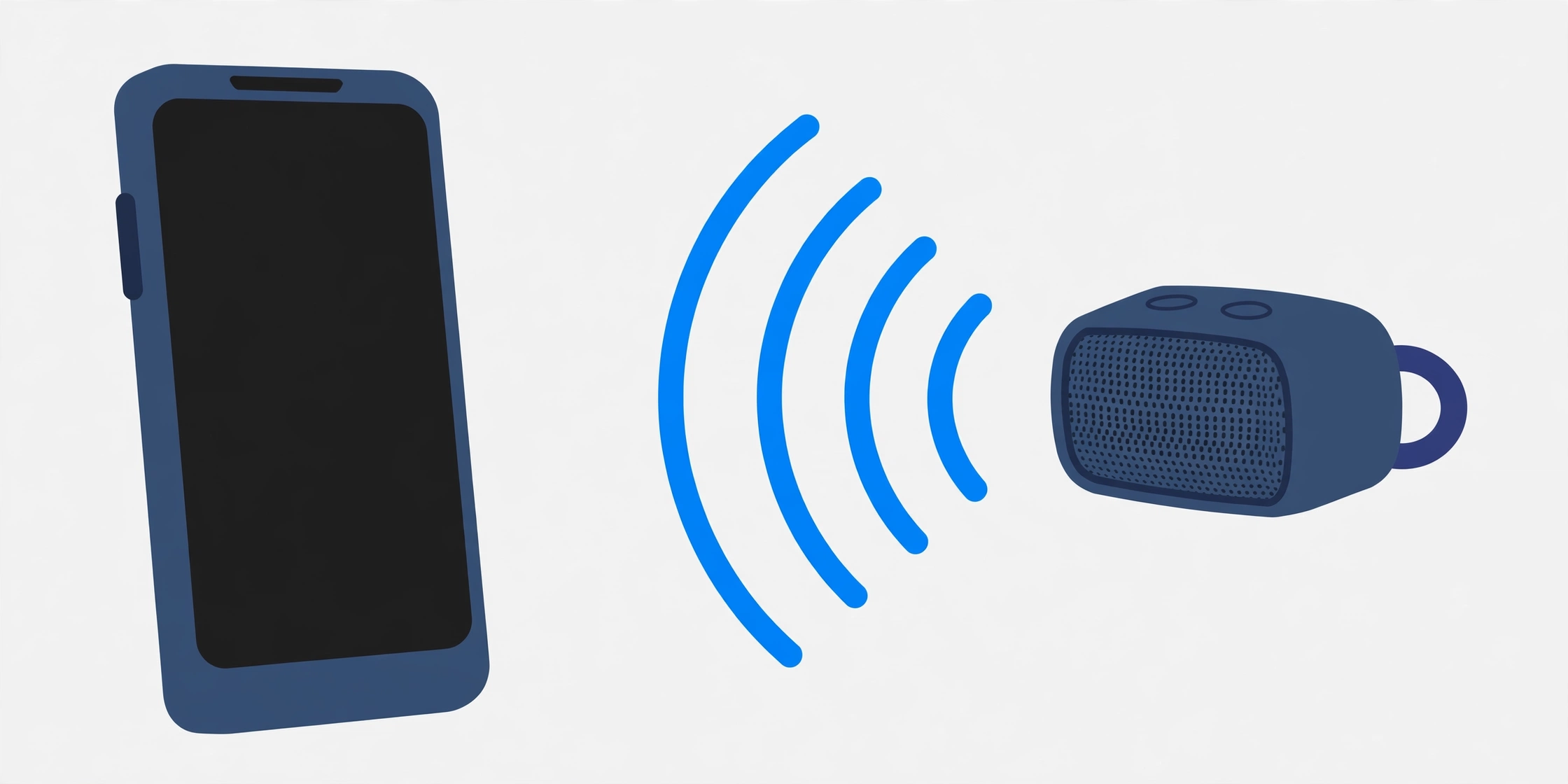
Pairing — How Two Devices Find Each Other
Before two Bluetooth devices can share music or calls, they must be introduced. This first introduction is called pairing. Pairing is a one-time step. After pairing, the devices remember each other, and they usually connect again on their own.
Here is how pairing works, in simple steps.
Step 1: Switch on Bluetooth on both devices. On your phone, you can do this in Settings, or from the quick menu at the top of the screen. On a speaker or earbuds, there is usually a button, or the device goes into pairing mode on its own the first time you switch it on.
Step 2: Make the second device visible. Many speakers and earbuds enter pairing mode when you hold a button for a few seconds. A light may blink, or a voice may say “pairing.” This tells nearby devices, “I am ready to connect.”
Step 3: Find the device on your phone. Open your Bluetooth settings. Your phone will show a list of nearby devices. Tap the name of the device you want.
Step 4: Confirm the connection. Sometimes your phone shows a code, like six numbers, and you just tap “Pair” to say yes. This checks that you are connecting to the right device, and not to a stranger’s device nearby. For simple devices like earbuds, there may be no code at all.
Step 5: Done. The devices swap secret keys, a bit like swapping secret passwords. These keys are saved. Next time the devices are near each other and Bluetooth is on, they recognise each other and connect in a few seconds. You do not need to pair again.
This memory is why your earbuds connect to your phone when you take them out of the case, and why your car connects to your phone when you start the engine. The first meeting takes a little work. After that, it is automatic.
Sometimes pairing fails. Turn Bluetooth off and on again. Move the devices closer together. Make sure the second device is really in pairing mode. And check that it is not already connected to another phone or laptop, because most Bluetooth devices can only play music from one central device at a time.
What Bluetooth Is Used For
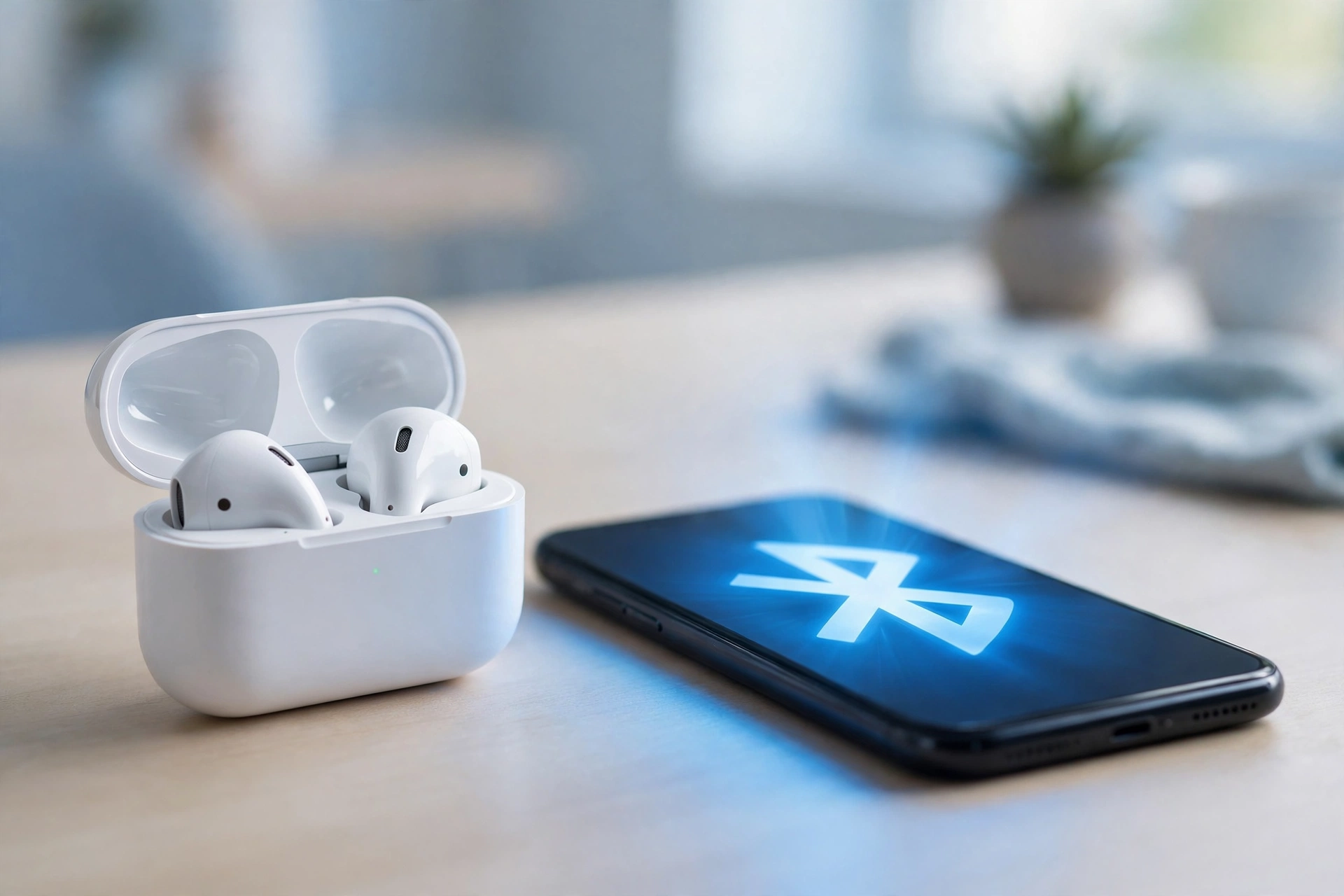
Music and calls are the biggest use. Wireless earbuds and headphones connect to your phone with Bluetooth. You can listen to music, podcasts, and audiobooks with no wire, and take calls hands-free. Many people use noise-cancelling earbuds for this, and Bluetooth is the link that carries the sound from the phone to the earbuds. If you want to know how those earbuds block outside noise, read our simple guide to how noise-cancelling earbuds work.
Speakers are another big use. A small Bluetooth speaker can fill a room with sound, and you can take it to a picnic or a friend’s house. Cars use Bluetooth too. When you get in your car, your phone connects to it, and your calls and music come through the car speakers. This keeps your hands on the wheel, which is safer.
Watches and fitness trackers use Bluetooth to send steps, heart rate, and sleep data to your phone. Your watch counts your steps and checks your heart rate, then sends that data to your phone over a low-power form of Bluetooth, and your phone app shows you the charts and the totals.
Keyboards, mice, and game controllers use Bluetooth as well. A wireless keyboard lets you type on a tablet without a wire. A game controller connects to a console, a phone, or a computer, and lets you play with no cable in the way.
Printers use Bluetooth in homes and small offices. You can print a photo from your phone without plugging anything in. Smart home devices use it too: a smart lock can open when your phone is near, and a smart scale can send your weight to your phone. Health devices use it as well. A blood pressure monitor can send readings to your phone, and a hearing aid can connect to a phone, so calls and music go straight into the ear.
Even finding lost things now uses Bluetooth. Small tags use a low-power form of Bluetooth to send a tiny signal. If you lose your keys or your bag, your phone can help you find the tag, because nearby phones pick up its signal and report the location.
Phones also share information in other quick ways. For example, a QR code on a poster or a box can open a web page or an app when your camera reads it. If you want to understand that shortcut, read our simple guide to what a QR code is and how it works.
Why It Is Called Bluetooth
The name Bluetooth sounds strange for a piece of technology. It comes from a real person who lived more than 1,000 years ago. His name was King Harald Bluetooth. He was a king of Denmark in the 10th century. People say he united the Danish tribes and brought them together as one people. Some stories say he had a dead tooth that looked dark blue or grey, and that is how he got his nickname, Bluetooth.
In the 1990s, engineers needed a name for their new wireless technology. The idea was to unite different devices, just as King Harald had united different tribes. So they used his name as a code name. The name was meant to be temporary, but it stuck. People liked it, and it was easy to remember.
Even the Bluetooth symbol has a story. It is made from two old Viking letters, called runes. One rune stands for the letter H, for Harald. The other stands for the letter B, for Bluetooth. Put together, they make the symbol we all know today. So every time you tap that little symbol on your phone, you are tapping a piece of history that is more than 1,000 years old.
The technology itself is much younger. Before Bluetooth, almost everything needed a wire, and desks were full of tangled cables that broke easily. In 1994, an engineer named Dr. Jaap Haartsen worked at a Swedish company called Ericsson. He had a simple idea: what if devices could talk to each other over a short distance, with no wire at all? A few years later, in 1998, Ericsson joined with other big companies, including Nokia, Intel, IBM, and Toshiba. Together they formed the Bluetooth Special Interest Group. In 1999, the first version, Bluetooth 1.0, was released to the public. The early versions were slow, and connections dropped often. But the idea was strong, and the technology kept getting better.
Bluetooth vs Wi-Fi, Simply
Many people mix up Bluetooth and Wi-Fi. Both use radio waves. Both are wireless. But they have different jobs.
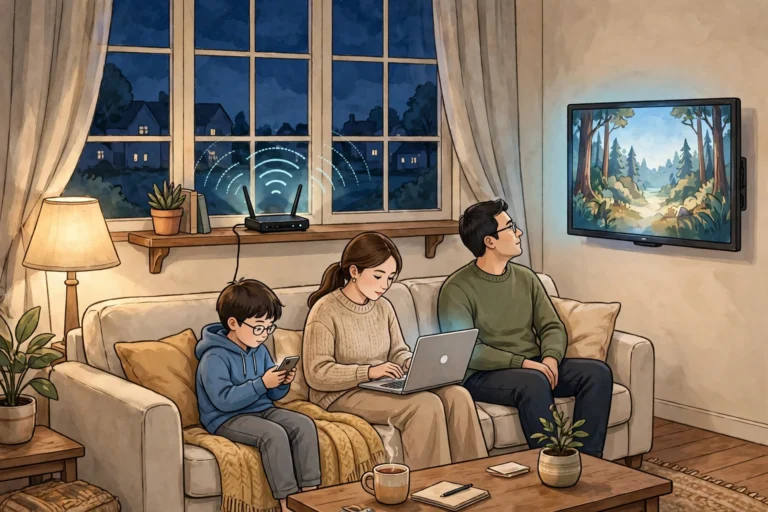
Wi-Fi is made to connect your device to the internet over a medium distance, like a home or an office. It is fast and can carry big files and video, but it uses more power and needs a router, a small box that sends the Wi-Fi signal around your home. If you want to understand it better, read our simple guide to what Wi-Fi is and how it reaches your phone.
Bluetooth is made to connect two devices directly to each other, over a short distance, with very little power. It does not need a router or the internet. It is slower than Wi-Fi, but it is simpler and uses far less battery. That is why your earbuds use Bluetooth, not Wi-Fi. Wi-Fi would drain the tiny earbud battery in minutes.
Think of it this way. Wi-Fi is like a motorway: big, fast, and made for long trips. Bluetooth is like a short path between two houses: small, simple, and perfect for a short walk next door. You need both. They do different jobs, and they work well together.
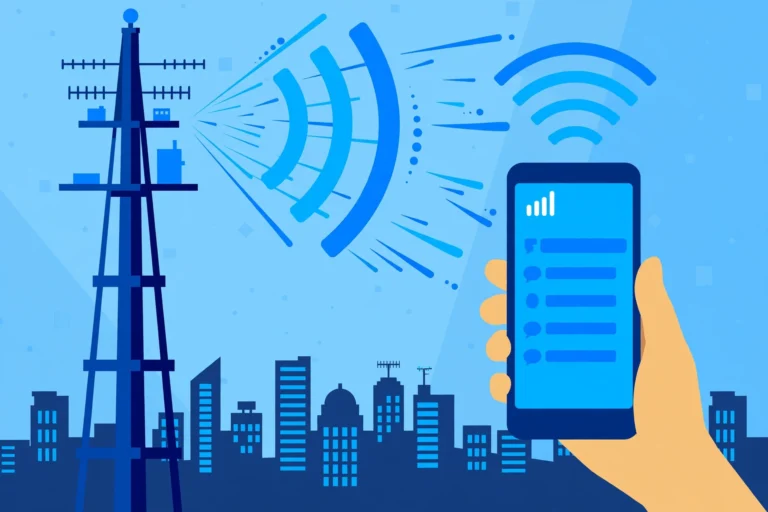
Mobile networks are different again. A network like 5G connects your phone to a tower far away, so you can use the internet when you are out and about. To learn more, read our simple guide to what 5g is and why it is faster. In short, 5G is for the internet on the move, Wi-Fi is for the internet at home, and Bluetooth is for your devices talking to each other close by.
Versions Keep Getting Better
Bluetooth has improved many times since 1999. Each new version brought better speed, better range, or better battery life. You do not need to remember every version. But it helps to know the big steps.
Bluetooth 1.0 and 1.1, from 1999, were the first public versions. They were slow, about 1 megabit per second at best, and they had connection problems. They proved the idea worked, but they were rough. Bluetooth 2.0, from 2004, added Enhanced Data Rate. This made it about three times faster, up to 3 megabits per second. Music streaming became smooth, and wireless headsets became useful for the first time.
Bluetooth 4.0, from 2010, introduced Bluetooth Low Energy, often shortened to BLE. This was the biggest change in years. BLE is made for small bits of data, sent now and then, with very little power. A fitness watch that sends your step count to your phone uses BLE. A heart-rate sensor uses BLE. A small tag that helps you find your keys uses BLE. Because BLE sleeps most of the time, a small battery can last for months or even years. Many modern devices use both kinds: your phone uses the older kind, called Bluetooth Classic, for music and calls, and BLE for small messages from your watch.
Bluetooth 5.0, from 2016, was another big step. It doubled the speed of BLE, to 2 megabits per second, and it gave four times the range in ideal conditions, up to about 240 metres outdoors. Bluetooth 5.1, 5.2, 5.3, and 5.4, from 2019 to 2023, added smaller but useful things. Bluetooth 5.1 improved direction finding, so a phone could tell which way a lost device was. Bluetooth 5.2 added LE Audio, a new way to send high-quality sound with less power and less delay.
Bluetooth 6.0, from 2024, is the newest version. It adds a feature called Channel Sounding, which can find a device with centimetre-level accuracy, so your phone could one day point you to your lost keys with much better precision. It also improves Auracast, a feature that lets one device share sound with many listeners at once.
Common Problems and Quick Fixes
Bluetooth is simple, but it is not perfect. Almost everyone has had a moment when their earbuds would not connect, or the music kept cutting out. Here are the most common problems, and the simple fixes.
The devices are too far apart. Move them closer. Stay within a few metres, in the same room if you can. Walls and floors weaken the signal, so if you walk to another room and close the door, your music may stop.
The device is already connected to something else. Many earbuds and speakers can only play music from one phone at a time. If your earbuds are still connected to your laptop, they will not connect to your phone. Disconnect them from the first device, or turn off Bluetooth on the first device, then try again.
The device is not in pairing mode. New devices need pairing mode to be found. If your phone cannot find a new speaker, hold the pairing button until the light blinks. Check the manual if you are not sure which button it is.
The battery is low. A device with a nearly dead battery may connect, then drop, then connect again. Charge it, and try again. Bluetooth uses very little power, much less than Wi-Fi or mobile data, but a low battery still causes trouble.
The saved connection is broken. Sometimes the saved pairing gets confused. The fix is to forget the device on your phone, then pair it again from scratch. On most phones, you go to Bluetooth settings, tap the device name, tap “Forget” or “Unpair,” then pair again. This fixes many strange problems.
Too many devices nearby. In a busy place, like a train or a gym, many Bluetooth devices and Wi-Fi networks share the same air. Move away from the crowd if you can, or turn off Bluetooth on devices you are not using.
If none of these work, restart both devices. Turn them off, wait a few seconds, and turn them on again. It sounds too simple, but it works more often than people expect. Also keep your software up to date, because updates fix bugs and improve connections.
The big picture is simple. Bluetooth is a small idea with a big effect. It removed the wire between your phone and your earbuds, between your laptop and your mouse, between your watch and your phone. It started in 1994, with one engineer and a simple problem: too many cables. Today, it is in billions of devices. It carries your music, your calls, your health data, and your car directions. The best technology is the kind you do not notice. You press play, and the music starts. Now you know what is happening in the air around you.
If you want more simple guides to the technology around you, browse the Technology section on Zorium Daily.
Frequently Asked Questions
What is Bluetooth in simple words?
Bluetooth is a short-range wireless technology that lets devices talk to each other using invisible radio waves, without any wires.
Do I need the internet to use Bluetooth?
No. Bluetooth works directly between two devices, so you can listen to music with no Wi-Fi and no mobile data.
How do I pair two Bluetooth devices?
Switch on Bluetooth on both devices, put the second device into pairing mode, then open Bluetooth settings on your phone and tap the device name.
How far does Bluetooth reach?
Most devices reach up to about 10 metres indoors. Newer versions can reach much further in open space, but walls and floors shorten the range a lot.
What is the difference between Bluetooth and Wi-Fi?
Wi-Fi connects your device to the internet and uses more power. Bluetooth connects two devices directly to each other over a short distance, with very little power.
Why does my Bluetooth keep disconnecting?
The most common reasons are distance, a low battery, or the device being connected to something else. Move closer, charge it, or forget the device and pair it again.
More from Zorium Daily
- What Is a QR Code and How Does It Work? — learn how your phone camera reads a square pattern in about a second.
- What Is 5G and Why Is It Faster? — learn how mobile networks use radio waves to bring you the internet on the move.
- What Is Wi-Fi and How Does It Reach Your Phone? — learn how a small router sends invisible waves around your home.
- Technology — browse all our simple Technology guides on Zorium Daily.