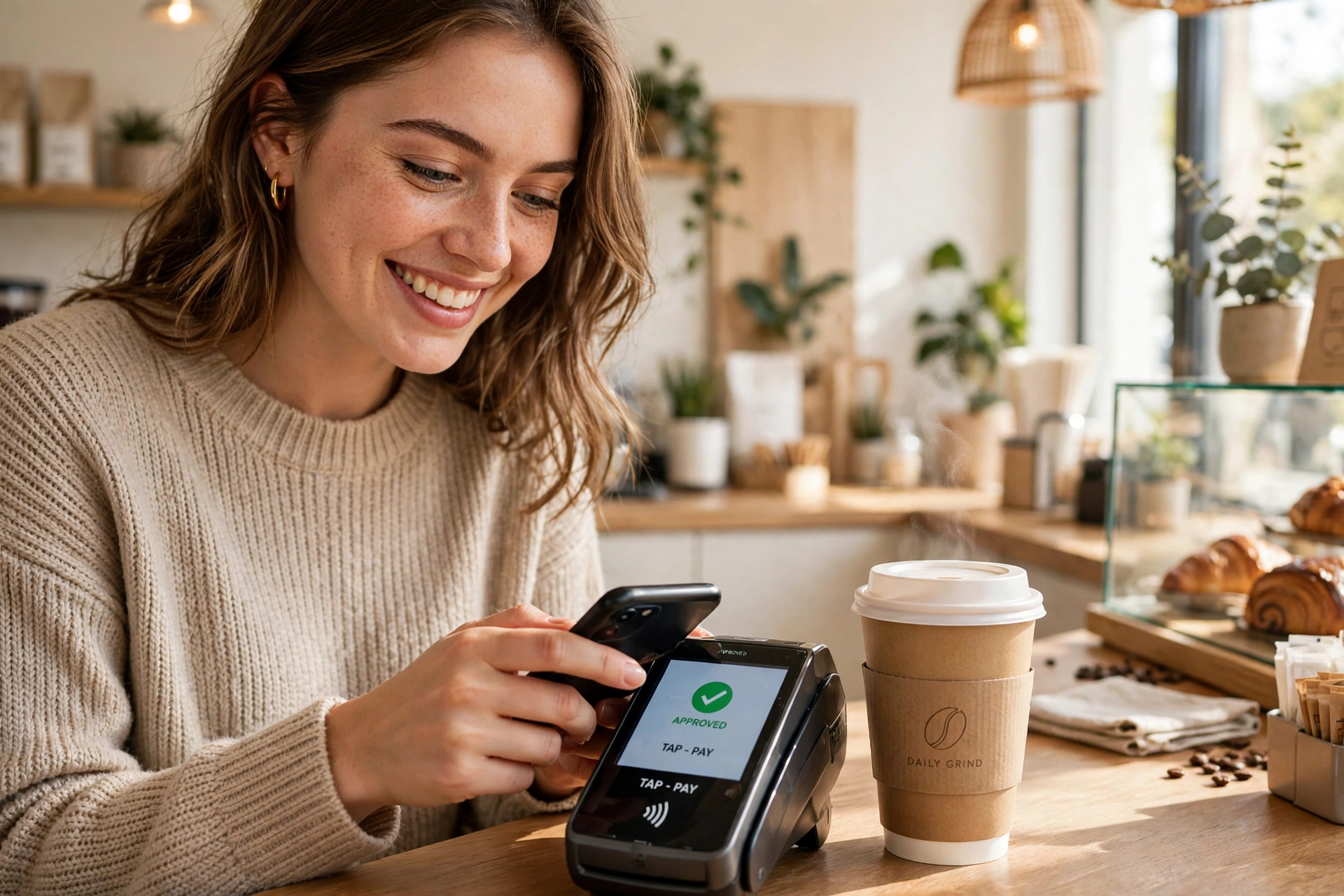
How Do People Pay Without Cash? Explained Simply
SUMMARY OF THIS ARTICLE
- Paying without cash usually means your phone, watch, or card talks to the shop’s machine by radio, and the money moves from your bank account without a single coin or note changing hands.
- The most common way is tap to pay: hold your phone or card near the reader, and a tiny chip sends a one-time secret code instead of your real card number.
- Your real card number almost never leaves your phone. Wallet apps replace it with a token — a made-up number that works once and is useless to a thief.
- You can also pay by scanning a square QR code, by checking out online with a saved wallet, or by sending money straight to a friend’s phone number.
- Cashless payment is quick and handy, but it only works when your phone has charge, the shop accepts it, and you keep your codes and face lock private.
The Wallet That Lives in Your Pocket
Maya is late for work. She stops at her usual coffee shop, orders the usual flat white, and the barista says, “That is four dollars, please.” Maya does not open her bag. She does not count coins. She does not even take out her purse. She lifts her phone, holds it near the little machine on the counter for one second, and the machine beeps. Paid. She takes her coffee and walks out, and the whole thing took less time than finding a five-dollar note in a crowded wallet.
The Short Answer: Your Phone Pretends to Be Your Card
Here is the whole idea in one sentence: when you pay without cash, your phone or your card sends your bank a secure message that says, “Please move this much money from this account to this shop,” and the bank does it.
The clever part is how the message travels, and how the system makes sure a thief cannot copy it. There are four main ways people pay without cash, and you have probably seen all of them: tapping, scanning a code, checking out online, and sending money to another person. Each one works a little differently, so let us take them one at a time.
The Tap: How Contactless Payment Works
The most common cashless payment is the tap. You hold your card or your phone close to the reader — usually within about four centimetres, which is roughly the width of two fingers — and it beeps. Done. No swiping, no inserting the card, no signing, and usually no PIN for small amounts.
Inside your card, and inside your phone, there is a tiny chip with a little radio antenna curled around it. When you hold it near the reader, the reader sends out a weak radio signal. That signal wakes the chip up and gives it just enough power to answer. The chip sends back a short message, and the reader sends that message to your bank. The whole conversation takes less than a second, which is why the beep feels instant.
That radio has a very short reach on purpose. It only works when the card or phone is almost touching the reader, so a stranger cannot charge your card by walking past you on the street. Your card cannot be read from across the room, and it cannot be read from inside your pocket by someone standing a metre away. The short range is not a flaw. It is the safety feature.
There is also a limit on how much you can tap without a PIN, and it is different in every country. In the United Kingdom, for example, the usual limit for a single tap with a card is one hundred pounds. In the United States there is no single national limit — each bank sets its own, and many are far higher. When a payment is above the limit, the machine simply asks for your PIN, exactly as it would for an old-fashioned card payment. The limit is not there to annoy you. It means that even if someone did steal your card, they could only take small amounts before the machine started asking questions.
The Secret Code That Is Not Your Card Number
Now for the cleverest part of the whole system, and the part that makes paying by phone safer than most people realise. When you add a card to your phone’s wallet — Apple Pay, Google Pay, Samsung Pay, or any of the others — your phone does not store your real card number. It asks your bank for a token instead.
A token is a made-up number that stands in for your real card number. It looks like a card number, and it works like one, but it is only valid for your phone, and only for one shop at a time in the sense that it is tied to your device. When you tap to pay, the phone sends the token, not the real number. The bank looks at the token, recognises it as yours, and approves the payment.
Why does this matter? Imagine a thief manages to listen in on the radio signal between your phone and the reader. All they would hear is the token. They cannot use it to buy anything online, because it does not work without your phone. They cannot use it to make a copy of your card, because it is not your card number. The token is like a hotel key card: it opens one door, for one guest, and the hotel can cancel it in a moment. Your real card number is like the master key — it stays locked in the bank’s safe, and your phone never carries it around.
The Little Square: QR Codes
The second way to pay without cash is the little black-and-white square you see on tables, posters, and market stalls. It is called a QR code, which is short for Quick Response code, and it is really just a barcode that your phone’s camera can read.
Here is how it works in a cafe. You finish your lunch, and instead of a bill, the waiter points to a small square printed on the table. You open your phone’s camera, point it at the square, and a link pops up. Tap it, and the cafe’s payment page opens with the right amount already filled in. You confirm with your fingerprint or your PIN, and the money moves. You never touched a card machine at all.
QR codes are popular for two reasons. First, they cost almost nothing. A small market stall does not need to buy or rent a card machine; it only needs a printed square. That is why you will see them at farmers’ markets, food trucks, and tiny shops all over Asia and Africa, where they are often the main way people pay. Second, they work on almost any phone. You do not need the newest model or a special chip. If your phone has a camera, it can scan a code.
There is one habit worth learning here. A QR code can point anywhere, and a criminal can stick a fake code over a real one. So only scan codes from places you trust — a real shop counter, a printed menu, a proper bill — and always check the amount and the name of the business on your screen before you confirm. If the name looks wrong, or the amount is different from what you ordered, stop and ask. A real shop will never mind you checking.
Paying Online Without Typing Your Card Number
Think about the last time you bought something online. You found the shoes, you chose your size, and then you reached the checkout page. It asked for your name, your address, your card number, the expiry date, and the three little digits on the back of the card. Sixteen digits, typed by hand, on a screen you were squinting at. Most of us have made a mistake there at least once.
That is the old way. The newer way is to check out with a wallet. You will see buttons that say “Pay with Apple Pay” or “Pay with Google Pay” or “PayPal” next to the ordinary card form. Tap one, check the amount and the delivery address on the next screen, and confirm with your face or fingerprint. The shop gets the payment. It never sees your card number, and you never typed it.
The same idea sits behind saved cards. When a website offers to remember your card for next time, it does not keep your full number lying around in plain text. A proper shop stores only the last four digits — the ones you see as “card ending in 4821” — and the rest is handled by its payment company. That is why a data breach at one shop does not usually give thieves your whole card. They would still need the rest of it, and the shop does not have it to lose.
One small warning fits here. Never type your card details into a website that arrived through a link in a message or an email. Real shops do not ask you to pay by clicking a link in a text. If you get a message saying your parcel needs a small payment, or your account will be closed unless you pay now, open the shop’s own app or type its address yourself. The link in the message is the oldest trick in the book, and it still catches people every single day.
Sending Money to a Friend
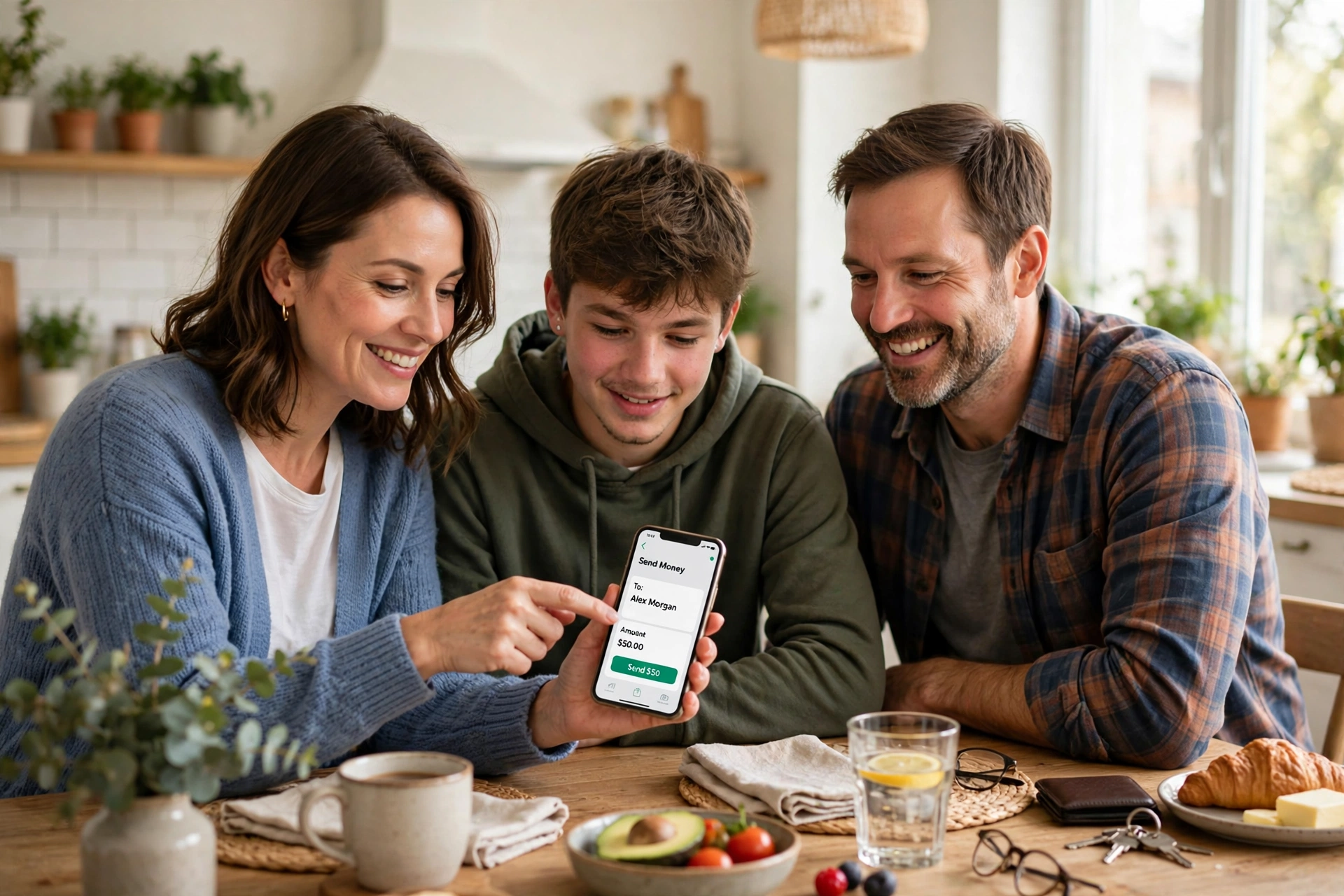
Paying a shop is only half of cashless life. The other half is paying each other. Your friend buys the train tickets, you owe her half, and ten years ago you would have handed her coins or promised to pay her back next week and then forgotten. Now you open an app, find her name, type the amount, and tap send. She gets a message before you have even put the phone away.
In the United States, the apps for this are names like Venmo, Cash App, and Zelle. In Britain, people often use their banking apps directly, or PayPal. In India, an app called UPI does the same thing for more than a billion people. The names change by country, but the idea is always the same: the app knows who you are, it knows who your friend is, and it asks your bank to move the money.
There are two things to get right with friend payments. First, check the name before you tap send. Many apps show you the person’s photo or their full name after you type it in — use that moment. Sending money to the wrong “Alex” is a very common mistake, and getting it back can take days of phone calls. Second, remember that most friend-payment apps are for people you know. Paying a stranger for a concert ticket or a puppy you found online is a different story, and a cashless payment there gives you far less protection than paying a proper shop with a card.
Your Face and Your Fingerprint Are the New Signature
For a hundred years, the way you proved a payment was yours was a signature. You signed a piece of paper, and the shop compared it with the signature on the back of your card. It was not a great system. Signatures are easy to copy, and nobody in a busy shop really checked them anyway.
Then came the PIN — four secret numbers that only you were supposed to know. Better, but still a problem. People write PINs on the card itself. They choose their birth year. Someone standing behind them can watch them type it in. That is called shoulder surfing, and it is exactly as simple as it sounds.
Your face and your fingerprint fixed most of this. When you pay with your phone, the phone checks that you are you before it will send the payment. Your face or your fingerprint never leaves the phone, either — the phone keeps that information locked inside a special part of its chip, and it only sends the bank a simple message: yes, this is the owner. A thief who steals your phone cannot pay with it, because their face is not yours, and a photo of your face does not fool a modern phone — it checks for depth, movement, and warmth, not just a picture.
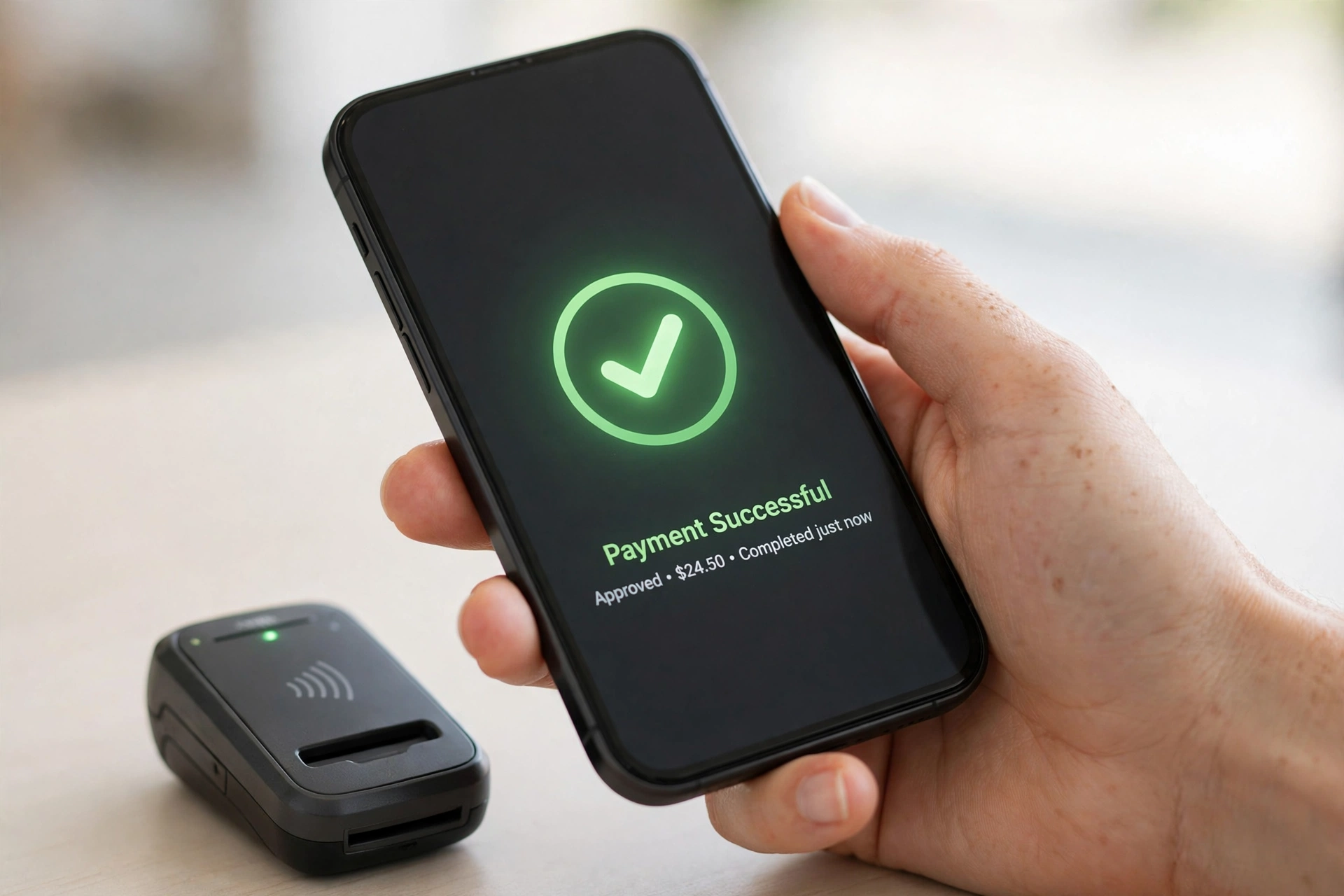
What Happens If You Lose Your Phone?
This is the question that worries people most about cashless payment, and it is a fair one. Your whole wallet — your cards, your tickets, your money — is inside a small glass rectangle that you carry everywhere and drop at least once a week. What happens when it disappears?
The honest answer is: less than you fear, as long as you act quickly. First, your phone is locked, and it will not pay without your face or fingerprint. A thief can hold it to a reader all day and nothing will happen. Second, every wallet app lets you freeze your cards from another device, or from your bank’s website. Apple, Google, and Samsung all have a “find my device” page where you can lock the phone, show a message on its screen, or wipe it completely from far away. Third, you can ring your bank and freeze the cards themselves, exactly as you would for a lost wallet.
There is a matching worry on the other side: what happens if your phone simply runs out of battery? Then you cannot pay with it, and that is that. The honest fix is boring but it works: keep a little charge in reserve when you are going out, or carry one card as a backup. Many people now keep a single bank card tucked behind their phone case, just for that moment. It is the modern version of keeping a spare note in your shoe.
When Cash Still Wins
Cashless payment is wonderful until it is not, and it is worth being honest about the moments when old-fashioned cash still wins. The power goes out in a storm, the shop’s internet drops, and the card machine stares back blankly. Your phone is dead after a long day. You are at a tiny stall in a market where the seller has no machine and no printed code. You are buying something second-hand from a neighbour who does not use apps. In all of these moments, cash is not old-fashioned. It is the only thing that works.
And cash is easier to feel. When you hand over a twenty-dollar note and get change, you can see the money leaving your hand. When you tap a phone, the money moves invisibly, and that invisibility is a real problem for budgeting. Studies of spending keep finding the same thing: people spend a little more, a little faster, when they never see the money.
So the sensible answer is not to choose one side and throw the other away. Use cashless payment for its speed and safety, and keep a little cash for the moments when the machines fail, for the small stalls that only take notes, and for the days when you want to feel exactly how much you are spending. A wallet with one card and a few notes in it is not old-fashioned. It is prepared.
Five Small Habits That Keep Cashless Payments Safe
Everything in this article boils down to five habits. None of them takes more than a minute, and together they cover almost every way cashless payment can go wrong.
First, lock your phone properly. A fingerprint or face lock, plus a PIN that is not your birth year, is the single best thing you can do. A phone that opens with a swipe is a wallet with no clasp.
Second, check the amount before you confirm. The machine shows you a number before you tap, and the payment page shows you a number before you approve. Read it. Most payment mistakes are not crimes — they are a tired cashier typing an extra zero, or a website charging for two items instead of one — and they are caught in that one second of reading.
Third, keep your banking app and your phone’s software up to date. Those updates that pop up at night are not just new colours and buttons. Many of them fix security holes that criminals have just learned to use. A phone that has not been updated in a year is a door with a lock the thieves have already learned to pick.
Fourth, use the alerts your bank offers. Almost every bank will send you a message the moment money leaves your account. Turn those on. Then a payment you did not make reaches you within seconds, not at the end of the month when you finally read a statement. The faster you spot it, the faster your bank can stop it.
Fifth, never share your codes with anyone. Your bank will never ring you and ask for your PIN, your password, or the six-digit code it just texted you. Anyone who asks for those things is not from your bank, however official they sound, and however urgent they claim the problem is. Hang up, and ring the number on the back of your card instead. That one habit alone would stop most payment fraud overnight.
Frequently Asked Questions
Is paying with a phone safe?
Yes, for most people it is safer than paying with a card. Your phone will not pay without your face, fingerprint, or passcode, and it sends a one-time token instead of your real card number. A thief who steals your phone cannot use it to pay, and a thief who listens in on the payment hears only the useless token. The main risks are a weak phone lock, a shared PIN, or being tricked into approving a payment yourself — and those are habits you control.
Can someone steal money from my card by walking past me?
No, not in any practical way. The radio in a contactless card only works within a few centimetres of a reader, and the reader itself must be a real payment machine connected to a bank. A stranger cannot charge your card from across the street, or from a metre away in a crowd. A phone is even safer, because it will not pay at all until you unlock it with your face or fingerprint.
What is a digital wallet, in simple words?
A digital wallet is an app on your phone that holds copies of your cards — Apple Pay, Google Pay, and Samsung Pay are the best-known ones. It does not hold real money. When you pay, it tells your bank to move the money, using a token instead of your real card number. Think of it as a wallet that carries the keys to your money, not the money itself.
Do I still need to carry cash?
It is wise to carry a little. Cashless payment needs a charged phone, a working machine, and a shop that accepts it. When the power fails, the internet drops, or a small stall takes only notes, cash is the only thing that works. Many people now carry one card and a few notes as a backup, and pay by phone for almost everything else.
What should I do if I see a payment I did not make?
Tell your bank straight away, through its app or its lost-card phone line. Freeze the card if you can, and check your recent payments for anything else you do not recognise. Banks can usually stop further payments at once, and in most countries they must refund money taken without your permission, as long as you report it quickly and you did not share your codes with anyone. Keep the messages and screenshots — they help the bank investigate.
Why do some shops still only take cash?
Usually because of cost or habit. A card machine costs money to rent, and the shop pays a small fee on every card payment. For a tiny stall selling low-priced things, those fees add up. Some older owners also prefer cash because they understand it and trust it, or because their internet connection is unreliable. It is not a sign that the shop is doing anything wrong — it is simply a business choice, and it is one more reason to keep a few notes in your pocket.
More from Zorium Daily
- What Is a Gift Card and How Does It Work?
- How Do Banks Keep Your Money Safe?
- How Do Shops Decide Prices?
- What Is a Receipt and Why Do Shops Give You One?
Paying without cash is not magic, and it is not a trick. It is your bank moving a number from one account to another, carried by a radio signal, a little square code, or a message from your phone — with a one-time token standing in for your real card number, and your face or fingerprint standing in for your signature. Use it for its speed, keep a little cash for the days the machines fail, check the amount before every tap, and never share your codes with anyone. Do that, and the wallet in your pocket will do its job quietly, every single day, while you get on with your life.