
How Does a Smart Speaker Work? Explained Simply
SUMMARY OF THIS ARTICLE
- A smart speaker is mostly ears and a mouth: the little cylinder on your shelf does very little thinking by itself, and the real work happens on big computers far away, in the cloud.
- It waits quietly for one special phrase, the wake word, such as “Alexa”, “Hey Google” or “Hey Siri”, and only starts recording after it hears that phrase.
- When you ask a question, your words travel over Wi-Fi to the cloud, where they are turned into text, worked out, and answered in about one second.
- Inside are a ring of microphones, a small processor, a Wi-Fi chip and a speaker, which together let it hear you from across a noisy room and talk back in a clear voice.
- It can also control your home, switching lights on and off, locking doors and changing the heating, and you can mute its microphones any time.
The Little Cylinder That Answers Back
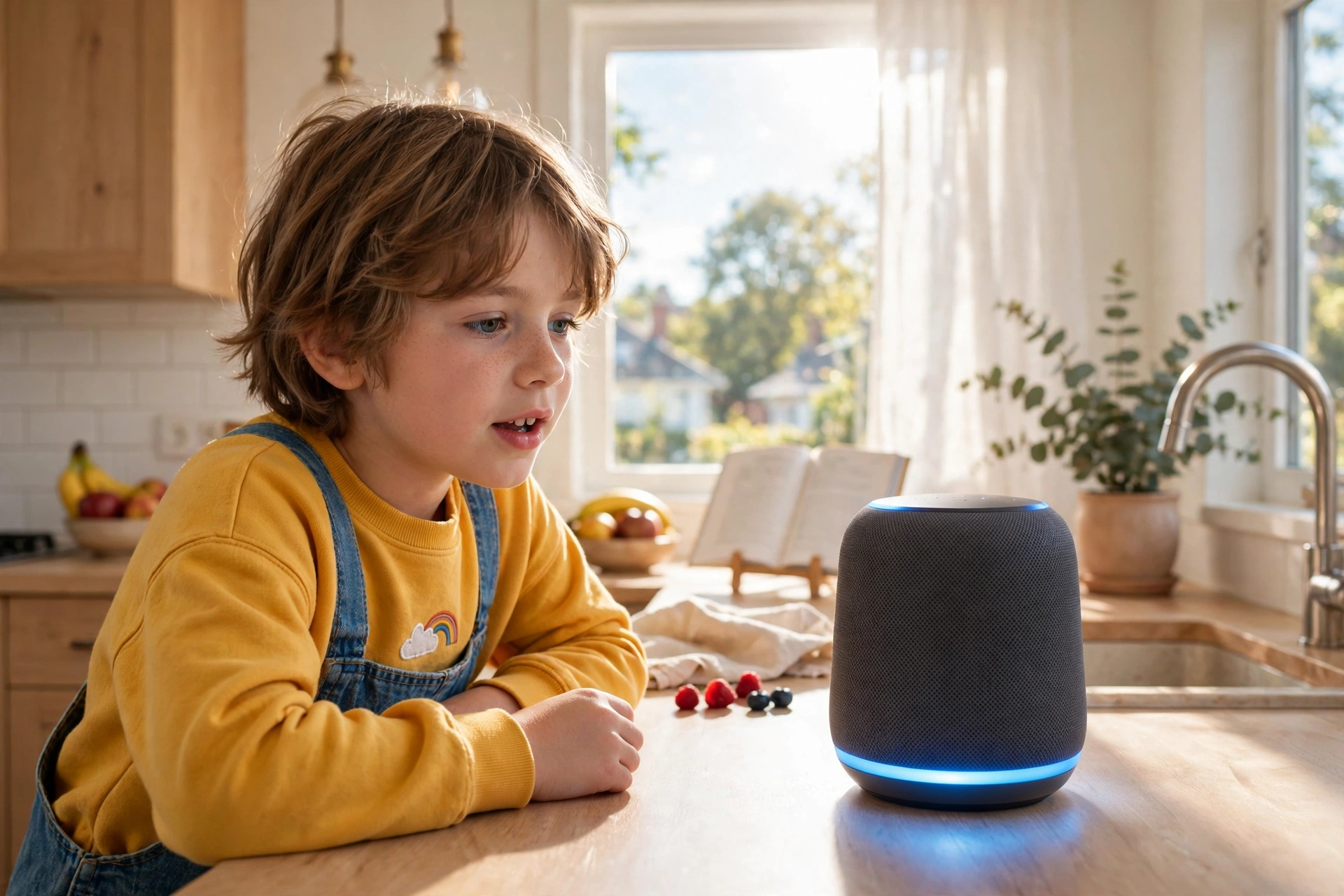
It was a rainy Tuesday evening, and eleven-year-old Mia was doing her maths homework at the kitchen table. Her mum was stirring a pot on the stove, and on the counter sat a small black cylinder, about the size of a tin of beans.
Mia stared at a question she could not solve and said, “Alexa, what is seven times eight?”
“Fifty-six,” said a calm voice from the little cylinder.
Mia grinned, then looked at it properly. It had no face, no screen, no arms or legs, and yet it had answered her in less than a second, as if it knew everything.
“Alexa, will it rain tomorrow?” she asked.
“Tomorrow, expect rain in the morning, with sunshine in the afternoon,” the voice replied.
Mia turned to her mum. “How does it know all that?”
Her mum smiled. “It does not know it at all,” she said. “It asks someone else, very, very fast.”
That is the secret of the smart speaker. The little cylinder on your shelf is not clever, and it is not a tiny robot brain. It is mostly ears and a mouth, reaching out to giant computers far away. When you talk to it, you are really talking to those computers, and the cylinder is just the messenger in the middle.
So What Is a Smart Speaker, Really?
A smart speaker is a small speaker with a microphone, a Wi-Fi connection, and a voice assistant built in. The assistant is the part with the name: Alexa on Amazon Echo speakers, Google Assistant on Google Home and Nest speakers, and Siri on the Apple HomePod. The speaker is the body, and the assistant is the voice you hear.
But here is the part that surprises most people. The speaker itself does almost no thinking. It cannot answer your questions on its own, because it does not hold the answers. It does not know the weather in your town or the score of last night’s football match. All of that knowledge lives somewhere else, on huge computers owned by Amazon, Google or Apple, in buildings full of machines that people call the cloud.
Think of it like a walkie-talkie. The little box in your hand does not know the answer. It just carries your voice to someone far away, and then carries their answer back. A smart speaker works the same way: it carries your words away over Wi-Fi, the cloud works out the answer, and the speaker plays it back to you.
That is why a smart speaker is useless without the internet. Unplug your Wi-Fi, and the little cylinder becomes a paperweight: its microphones still work, but it has nobody to ask.
The Wake Word: The One Phrase It Is Always Listening For
Every smart speaker has a wake word. On an Amazon Echo, it is usually “Alexa”. On a Google speaker, it is “Hey Google” or “OK Google”. On an Apple HomePod, it is “Hey Siri”. You can change it on some speakers, but most people keep the one it came with.
The speaker listens for that phrase all day and all night. The moment it hears those words, it wakes up, its light ring glows, and it starts recording what you say next.
That sounds worrying, so here is the fair question: is it listening to everything I say? The honest answer is that it is listening, but it is not recording. There is a big difference between the two.
Listening means its tiny processor checks the sound in the room against the wake word, many times a second, inside the speaker itself, without sending anything to the internet. It is like a guard dog that only barks at one name.
Recording is different. It means the speaker starts saving what you say and sending it over Wi-Fi to the cloud, and that only starts after the wake word. When you say “Alexa, what is the weather?”, the speaker saves the words “what is the weather?” and sends them off. It does not save the conversation you had with your mum five minutes earlier, because the wake word was never said.
Of course, the system is not perfect. A word on the television that sounds a bit like “Alexa” can wake it by mistake, and it may record a few seconds before it realises there was no real question. That is why the light glows when it is recording, and why there is a mute button. We will come back to the privacy side later.
Follow Your Words on Their Journey
Before we look at the parts inside, let us follow one question on its journey, from your mouth to the cloud and back again. It has five steps, and the whole thing takes about one second, faster than finding your phone and opening an app.
Step one: you say the wake word, “Alexa”, and the speaker wakes up. Its light ring glows, and it starts recording.
Step two: you ask your question. You say “What is the weather?” The microphones catch your words and turn them into a small sound file.
Step three: the recording flies away. The speaker sends the sound file over your Wi-Fi to a huge data centre, a building full of computers, owned by Amazon. This takes a tiny fraction of a second.
Step four: the cloud does the thinking. The big computers turn your speech into text, work out what you meant, look up the weather, and build an answer. This heavy work happens far away from your kitchen.
Step five: the answer comes home. The cloud sends the answer back, the speaker receives it, and its own voice reads it out: “Right now it is 18 degrees, with light rain.”
Five steps, one second, and you never touched a thing. You just spoke, and the answer came back, as if the little cylinder knew it all along. It did not. It just asked very fast.
A guide to how a games console works and where its thinking happens shows a similar idea: some gadgets do their thinking inside the box, while others send the hard work somewhere else. A smart speaker is firmly in the second group.
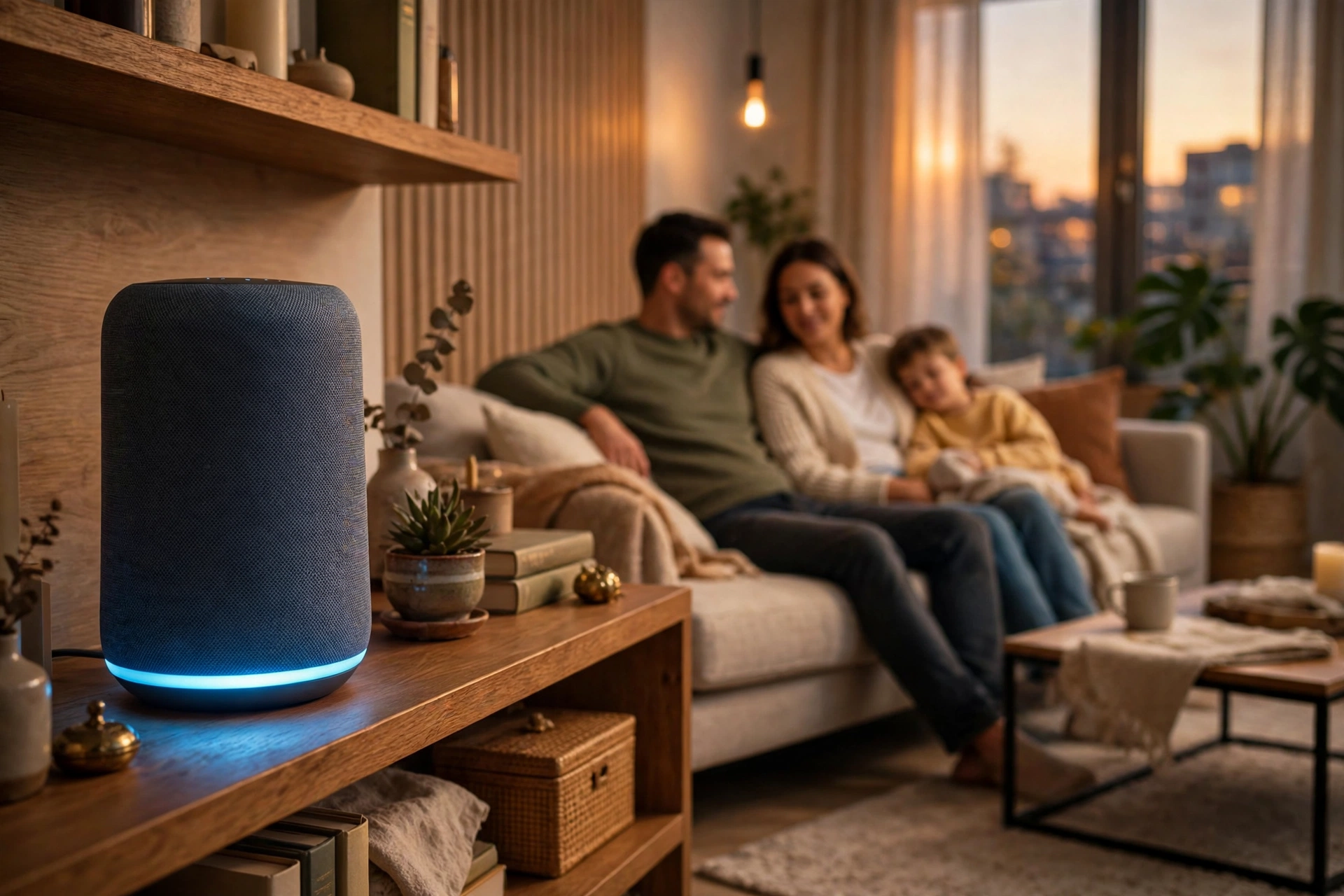
A Worked Example: “Alexa, What Is the Weather?”
Let us slow the journey right down and watch it happen, second by second. Imagine a made-up example: it is seven in the morning, and Tom is standing in his kitchen in his school uniform, holding his bag, wondering whether to take a raincoat.
At 07:00:00, Tom says, “Alexa, what is the weather today?” In the same instant, the speaker hears the word “Alexa”. Its tiny processor recognises the wake word, the light ring glows blue, and the speaker starts recording.
At 07:00:01, Tom finishes his sentence. The microphones have caught every word, and the speaker has turned them into a small sound file. It sends the file over Wi-Fi to Tom’s router, and from there to an Amazon data centre, perhaps hundreds of miles away. The journey takes only a few hundredths of a second, because internet signals travel at nearly the speed of light.
At 07:00:02, the big computers get to work. First, they turn Tom’s speech into text: “what is the weather today?” Next, they work out what Tom wants: the word “weather” tells them he is asking for a forecast, not a joke. Then they check where Tom lives, look up the forecast for his town, and build a short answer. The cloud sends it back to the speaker as a small piece of text, with instructions for how to say it.
At 07:00:03, the speaker speaks. “Right now it is 14 degrees and cloudy, with rain expected this afternoon,” it says. Tom nods, grabs his raincoat, and heads for the door.
Three seconds from start to finish, and most of that time was Tom speaking. The trip to the cloud and back took about one second, which is why the answer feels instant: the speaker did not know the weather, it asked a giant computer, and the giant computer answered faster than Tom could have typed the question.
Now change one detail. Imagine Tom mumbles, or the radio is playing loudly. The speaker might hear “what is the weather?” as “what is the feather?” and try to answer a question about feathers. That is why speaking clearly helps more than shouting.
What Is Inside the Little Cylinder?
If you could take a smart speaker apart, you would find four main parts inside. None of them is very big, and none is very clever on its own. But together, they make the whole trick work.
First, the microphones. A smart speaker does not have one microphone. It has several, usually four to seven, arranged in a ring around the top. This ring is why it can hear you from across a noisy room: each microphone picks up sound from a slightly different direction, and the speaker compares them to work out where your voice is coming from and push other sounds, the television, the washing machine, your little brother shouting, into the background. This is called far-field listening. You can ask a question from the sofa, with music playing, and it will still hear you.
Second, the processor. This is a small computer chip, much weaker than the chip in your phone. Its main job is to listen for the wake word, all day and all night, without using much power. It also tidies up the sound and turns your words into a small sound file ready to send. It does not answer questions. It is more like a receptionist than a professor: it takes the message and passes it on.
Third, the Wi-Fi chip. This connects the speaker to your home internet. Without it, the speaker is cut off from the cloud, and the whole system stops. It sends your questions out and brings the answers back, many times a day, in tiny bursts of data. It also lets the speaker talk to other smart gadgets in your home, which is how it can switch your lights on and off.
Fourth, the speaker itself. Underneath the fabric cover is a small loudspeaker, about the size of a biscuit, and sometimes a second, smaller one for high sounds. It will not shake your windows, but it is clear and loud enough to fill a room. The speaker is the mouth of the whole system: everything the cloud works out comes back through this one little part.
There is one more part worth knowing about: the light ring. On an Echo, it is a glowing ring on top. On a Google speaker, it is four little lights. It glows when the speaker is listening, spins when it is thinking, and turns red when the microphones are muted. Learn what the colours mean on your own speaker.
How It Understands What You Mean
Turning your voice into an answer takes three smaller steps inside the cloud, and each one can go wrong in its own way.
The first step is called speech-to-text. The big computers listen to your recording and write down the words, letter by letter. This is harder than it sounds, because people speak in different accents, at different speeds, and with different voices. A child sounds different from a grandparent. The computers have been trained on millions of hours of speech, so they are very good at this, but they still make mistakes, especially with unusual names or words that sound alike, like “weather” and “feather”.
The second step is working out your intent. Once the words are written down, the computers have to decide what you actually want. “What is the weather?” is a request for a forecast, and “Set a timer for ten minutes” is a request to count down. This is called intent, and it is the heart of the whole system. The computers look for clues: question words like “what” and “when”, action words like “play”, “set” and “turn”, and the thing you are talking about, like “weather” or “music”.
The third step is finding the answer. The weather comes from a weather service. A song comes from a music service like Spotify or Amazon Music. A timer needs no looking up at all; the cloud just tells the speaker to count down ten minutes and then beep. Then the answer is turned back into speech, using a human-like voice, and sent to your speaker to play out loud.
This is also why the speaker sometimes misunderstands you. If the first step gets a word wrong, the second step works out the wrong intent, and the third step finds the wrong answer.
How It Controls Your Whole House
Asking questions is only half of what a smart speaker can do. The other half is controlling things.
If you have smart lights, smart plugs, a smart thermostat or a smart lock, you can connect them to your speaker and control them with your voice. “Alexa, turn off the living room lights.” “Hey Google, set the heating to 20 degrees.” “Hey Siri, lock the front door.” The speaker hears you, sends the instruction to the cloud, and the cloud sends a message to the gadget, which does what you asked.
This works because all these gadgets speak the same language over your home Wi-Fi. When you set them up, you link each gadget to your speaker’s app. After that, the speaker knows their names: “living room lights”, “bedroom lamp”, “front door”.
The real fun starts with routines. A routine is a set of actions that happen together when you say one phrase. Set up a routine called “good night”, and when you say “Alexa, good night”, the speaker turns off all the lights, locks the front door, turns the heating down, and says “sleep well”. One sentence, four jobs done. A “good morning” routine can turn the lights on, read out the weather, and start the news.
Smart speakers can also control the television and the music around the house: “Alexa, play the news on the living room TV.” If you have more than one speaker, they can play the same song in every room.
A simple guide to how a microwave oven works and what its buttons really do shows the other side of the kitchen: most appliances do one job, on their own. A smart speaker is different because it connects things together. It is less like a single gadget and more like a remote control for your whole home, one that you talk to instead of pressing.
The Privacy Question, Answered Honestly
Now for the question that worries people the most, and rightly so: is this little cylinder spying on me?
The honest answer has two parts. The first part is reassuring. The speaker only starts recording after the wake word, and it only sends that recording to the cloud. It does not record your private conversations, because it is not saving anything until it hears the wake word. The light on top tells you when it is listening. And if you press the mute button, the microphones switch off completely, the light turns red, and the speaker cannot hear you at all until you press the button again.
The second part is less reassuring. The recordings it does make, your questions and commands after the wake word, are stored by Amazon, Google or Apple on their computers. They keep them so the system can learn and improve. You can listen to your own recordings in the app and delete them, one by one or all at once. Many people never look at this, so years of “what is the weather?” can sit on a company’s computers.
So what should you actually do? Learn where the mute button is, and use it when you want a private conversation, or at night. Check your recordings once in a while in the app, and delete the ones you do not need. Keep the speaker out of bedrooms if that makes you more comfortable. And do not say private things like passwords or bank details to a smart speaker. It is not a safe, and it was never meant to be one.
The companies say they use the recordings to make the assistant better, and that is mostly true. But it is your voice, your home, and your choice.
Why Does It Sometimes Get Things Wrong?
Every smart speaker owner has a story about a misunderstanding. You ask for a timer, and it starts playing a song. You ask about the weather in Paris, and it tells you about Paris in Texas. These moments are funny, and sometimes annoying, and they all have the same few causes.
The first cause is noise. The microphones are good, but they are not magic. A loud television, a running tap, or two people talking at once can blur your words, and the speaker has to guess.
The second cause is words that sound alike. “Play the Beatles” and “play the beetles” sound almost the same, but one is a band and the other is insects. People sort this out from context without thinking. Computers have to work it out from the words alone, and sometimes they pick the wrong one.
The third cause is accents and names. The system is trained on many voices, but unusual names, place names in other languages, or strong accents can still trip it up, and it may need two or three tries.
The fourth cause is the internet itself. If your Wi-Fi is slow or drops out, the speaker may not hear the answer come back. It will say “Sorry, I am having trouble understanding right now”, which really means “I asked the cloud, and the cloud did not answer in time.”
The fix is usually simple. Speak clearly, in a normal voice, facing towards the speaker. Keep background noise down when you ask something important. And if it gets something wrong, try saying it a different way: “What is the weather in Paris, France?” is clearer than “What is the weather in Paris?”
Frequently Asked Questions
How does a smart speaker work in simple words?
A smart speaker listens for a wake word, such as “Alexa” or “Hey Google”, then records your question, sends it over Wi-Fi to big computers in the cloud, and plays back the answer in about one second. The speaker does very little thinking; the cloud does the hard work.
What is a wake word?
A wake word is the special phrase that wakes a smart speaker up, such as “Alexa”, “Hey Google” or “Hey Siri”. The speaker listens for it all day, but only starts recording after it hears that phrase.
Is a smart speaker always listening to me?
It is always listening for the wake word, but it is not recording everything you say. Recording only starts after the wake word. You can see when it is recording because its light glows, and the mute button switches the microphones off completely.
Does a smart speaker work without the internet?
No. A smart speaker needs Wi-Fi and the internet, because the real thinking happens in the cloud, not inside the speaker. Without the internet, it cannot answer questions or control your home.
Can a smart speaker control the lights in my house?
Yes, if you have smart lights connected to the same system. Say “turn off the living room lights” and the speaker sends the instruction through the cloud to the lights. It can also control smart plugs, thermostats, locks and televisions.
Which smart speaker should I buy first?
Start with one speaker from the system your family already uses: an Echo if you use Amazon, a Nest speaker if you use Google, or a HomePod if you use Apple. Put it where your family spends the most time, and only think about a second one later.
More from Zorium Daily
- How Does a Remote Control Work? Explained Simply
- What Is Bluetooth and How Does It Work?
- What Is 5G and Why Is It Faster?
- What Is Wi-Fi and How Does It Reach Your Phone?
Mia still asks her little cylinder questions every day, but now she knows the truth: it is not a tiny genius on the kitchen counter, just a very good messenger, carrying her words to giant computers far away and bringing the answers home in about a second.