How Does a Games Console Work? Explained Simply
SUMMARY OF THIS ARTICLE
- A games console is a special computer built for one job: playing games. It has the same main parts as a computer, but every part is chosen for games.
- Every time you play, the same loop runs dozens of times a second: the controller tells the console what you did, the CPU works out what happens next, the GPU draws the picture, and the TV shows it.
- The CPU and the GPU sit together on one chip inside the console. The CPU does the thinking, and the GPU does the drawing.
- Every console of the same kind is identical inside, so game makers can tune each game to fit that one machine perfectly.
- A game reaches your screen from a disc or a download. It is stored on the console, loaded into memory, and then played in the same loop, frame after frame.
The Button That Made Mia Wonder
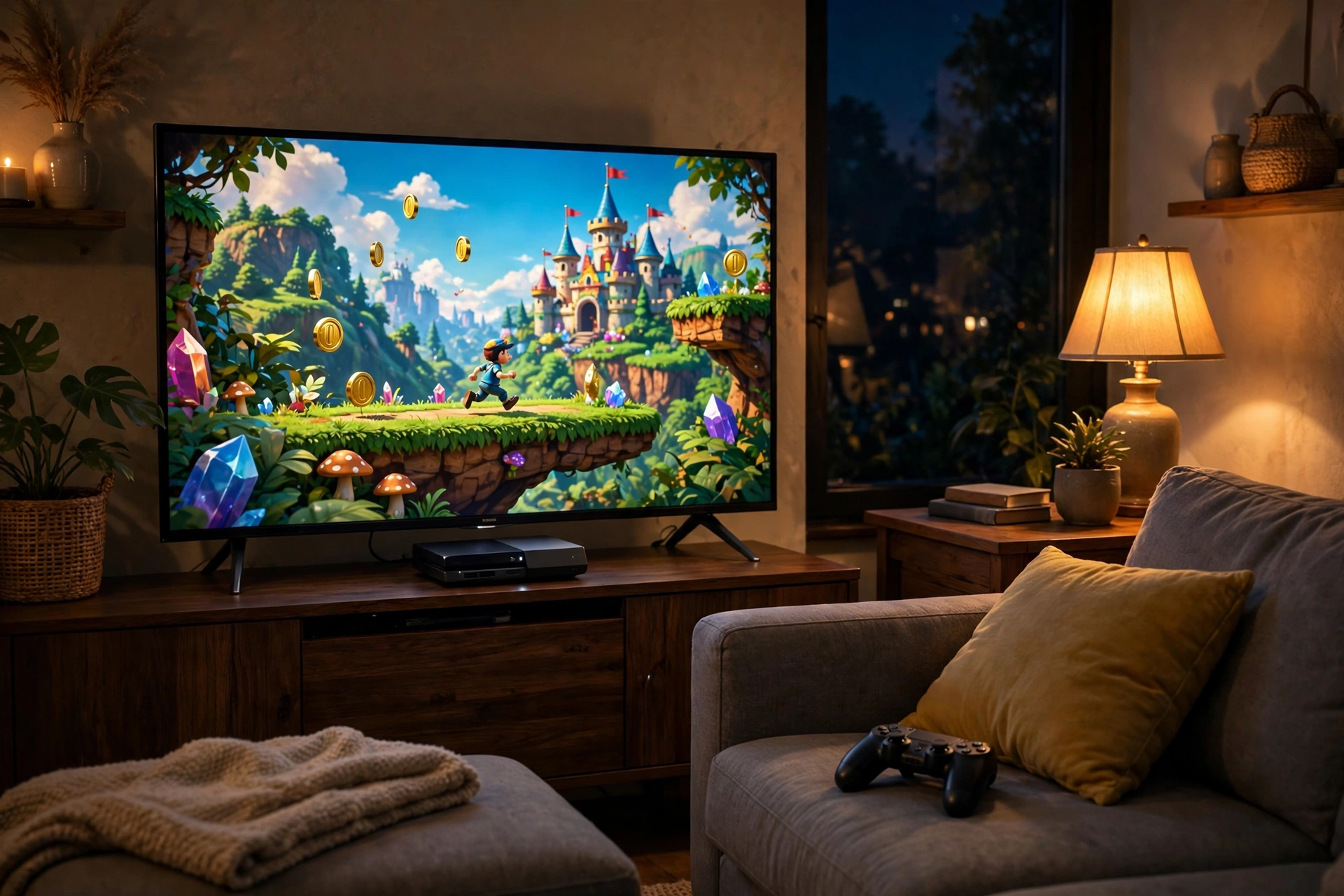
Mia was nine years old, and she was stuck on the same jump for the third time. Her character stood at the edge of a cliff, and on the other side sat a shiny golden coin. She pressed the button. Her character jumped, arms out, legs kicking — and landed one step short. Down she went, into the river below.
Mia frowned at the controller in her hands. “How did it know?” she asked her dad, who was sitting beside her with a cup of tea. “I pressed the button, and the little man jumped. How does the box under the TV know what I want?”
Her dad smiled. “That box is a computer,” he said. “A very clever one, but it only has one job.”
Mia pressed the button again. This time she waited a little longer, and her character sailed over the gap and grabbed the coin. Mia cheered so loudly the cat ran out of the room.
That tiny moment is the whole secret of a games console. A message travels from your hands to the machine, the machine thinks about it in less than the blink of an eye, and a new picture appears on the TV. It happens again and again, dozens of times every second, for as long as you play.
So What Is a Games Console, Really?
A games console is a computer. That is the first thing to understand, and it surprises a lot of people. It does not look like a computer. It has no keyboard, no mouse, and no big screen of its own. It is a small, quiet box that sits under the TV. But inside, it has the same kind of parts a computer has: a brain, a memory, and a place to store things.
The difference is focus. A normal computer is a jack of all trades. It can write letters, browse the internet, edit photos, play music, and run games. A games console is the opposite. It is built to do one job, and to do that job brilliantly: playing games.
Think of it like a kitchen. A normal computer is like a home kitchen, where you can cook anything. A games console is like a pizza oven in a pizza shop. It cannot bake a cake, but it makes pizza faster and better than any home kitchen could, because every part of it was designed for that one thing.
The Loop: Controller, CPU, GPU, TV
Everything a console does comes down to one loop, and the loop runs over and over again while you play. It has four steps, and it repeats dozens of times every second. Once you see the loop, the whole machine makes sense.
Step one: you do something. You press a button, push a stick, or pull a trigger on the controller. The controller turns that movement into a tiny electrical message and sends it to the console. “The player pressed jump,” the message says, or “the player is pushing the stick to the left.”
Step two: the console thinks. The brain of the console, called the CPU, reads the message and works out what it means. If you pressed jump, it works out how high your character should go, and where they will land. It also works out everything else that is happening in the game world: the wind in the trees, the river below, and the enemy walking towards you. The CPU keeps track of the rules of the game, like a referee who never blinks.
Step three: the console draws. The picture-maker of the console, called the GPU, takes the CPU’s answers and turns them into a picture. It draws the grass, the sky, the cliff, and your character in mid-air, with the light and the shadows in the right places. It draws one whole picture, called a frame, in a tiny fraction of a second.
Step four: the TV shows it. The picture travels from the console to the TV through a cable, and the TV lights up its screen. Your eyes see the new frame. Then the loop starts again.
How fast does this happen? Most games draw 30 or 60 frames every second. That means the whole loop runs 30 or 60 times in the time it takes you to say “one”. Some games run even faster, at 120 frames a second. That speed is why the game feels alive. Your character does not jump in jerky steps; it flows, because your eyes see a new picture almost every time you blink.
The Brain and the Artist: CPU and GPU on One Chip
Inside the console, the two most important parts are the CPU and the GPU, and in a modern console they live together on one small chip, about the size of a postage stamp.
The CPU is the brain. Its full name is the Central Processing Unit, but nobody calls it that in normal conversation. It does the thinking. It runs the rules of the game, keeps score, remembers where every character is, and decides what happens when you press a button. If your character picks up a coin, the CPU adds one to your score. If a door is locked, the CPU remembers it is locked until you find the key. It is careful, logical, and fast, but it does one thing at a time, in order, like a teacher marking a pile of homework, one paper after another.
The GPU is the artist. Its full name is the Graphics Processing Unit. It does the drawing, and it does it in a very different way from the CPU. Where the CPU does one thing at a time, the GPU does thousands of tiny things all at once. A picture on your TV is made of millions of tiny dots of colour, called pixels, and the GPU can work on huge groups of them at the same time, like a whole class of children colouring in different parts of the same giant picture together.
That is why the two parts sit on the same chip. They need to talk to each other constantly, and the shorter the distance between them, the faster they can talk. The CPU says, “The character is here, jumping over the river.” The GPU hears it instantly and starts drawing. There is no waiting, and that keeps the game smooth.
The chip gets hot when it works hard, because thinking and drawing millions of pixels uses a lot of energy. That is why a console has a fan inside, and why you can sometimes hear a soft hum when you play a big, busy game.
Memory and Storage: The Desk and the Cupboard
A console has two kinds of remembering, and they work like a desk and a cupboard in a bedroom. This is one of the most useful pictures for understanding how a computer works, and it applies to a computer virus too, because a virus is a harmful program that tries to hide in these same places, which is why keeping a console’s software up to date matters.
The first kind is called RAM, which is short for Random Access Memory. Think of RAM as the top of your desk. It is the place where you put the things you are using right now. When a console plays a game, it puts the parts of the game you need right now into RAM: the level you are in, your character, and the coins you have collected. RAM is very fast, but it is small, and it forgets everything when the power goes off. When you switch the console off, the desk is cleared.
The second kind is called storage. Think of storage as the cupboard in the corner of the room. It is bigger, and it remembers things even when the power is off. Your games live in storage, along with your saved progress. When you want to play a game, the console takes the game out of the cupboard and puts the parts it needs on the desk. When you save your progress, it puts a note in the cupboard so it can remember where you stopped.
Modern consoles use a type of storage called an SSD, which has no moving parts inside it at all. The console can reach in and grab anything almost instantly. That is why modern games load so quickly. In the old days, you might wait a minute or two staring at a loading screen while the console searched for the next level. Now the next level often appears in a few seconds.
The Controller: Your Hands in the Game
The controller is the part of the console you actually touch, and it is cleverer than it looks. It is the bridge between you and the game, and it works in both directions.
In one direction, it sends your moves to the console. Every button, stick, and trigger is a small switch. When you press a button, the switch closes, and an electrical signal runs to the console, down a wire or through the air. The sticks are more subtle: they can tell the console not just that you pushed, but how far and in which direction. Push a stick a little, and your character walks. Push it all the way, and your character runs.
In the other direction, the controller talks back to you. Most modern controllers have tiny motors inside that can shake, or rumble, in your hands. When your character drives over a bumpy road, the controller trembles gently. When your character bumps into a wall, it gives a sharp jolt. Some controllers can even change how hard a trigger is to pull: pulling back a bowstring feels tight and slow, while firing a small toy gun feels light and quick. This shaking and pushing back is called haptic feedback, and it makes the game feel real in your hands, not just on the screen.
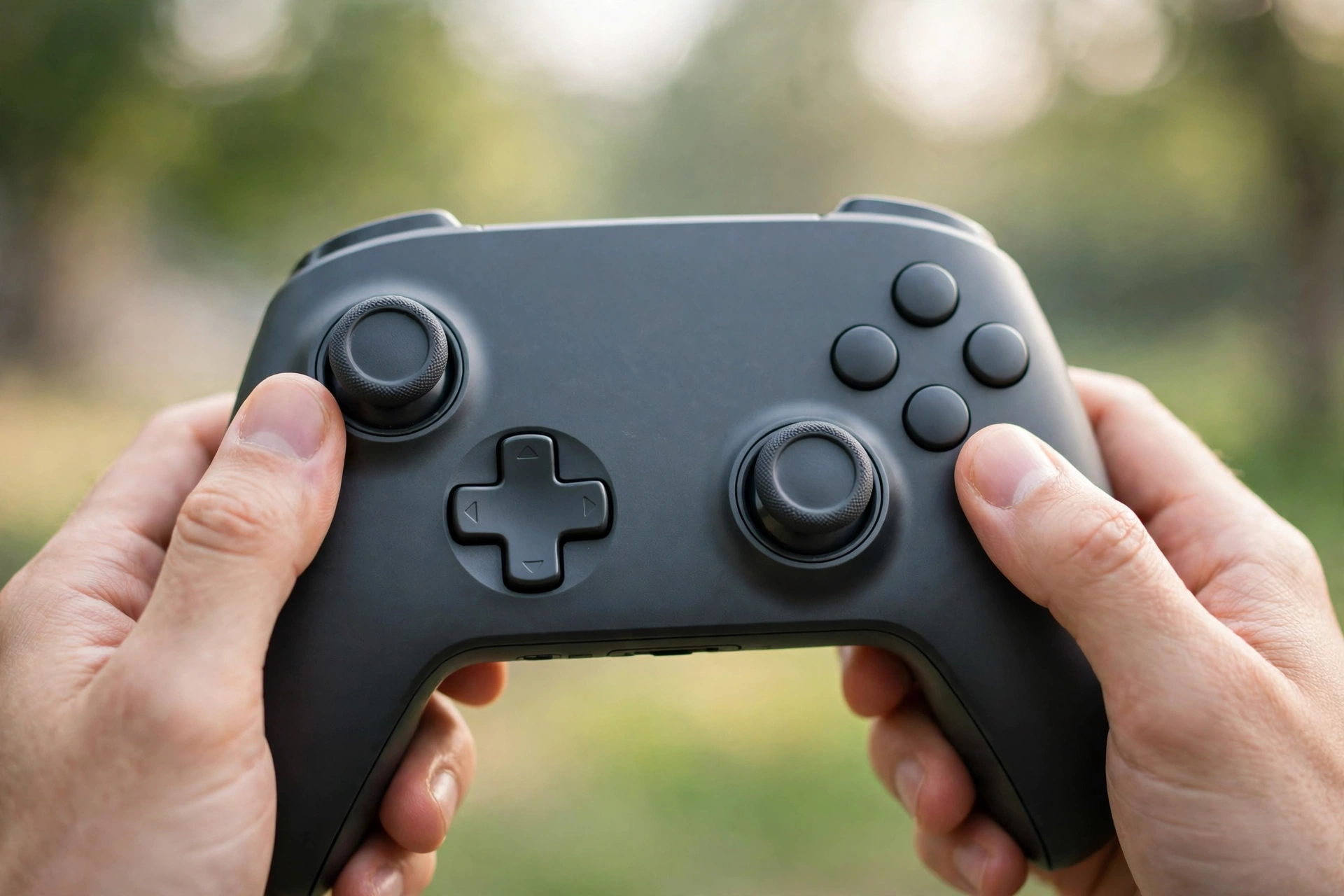
The controller also has its own small battery and its own little brain, so it can stay connected without a cable. When the battery runs low, a light blinks, or a message appears on the screen, and you plug it in to charge, just like a phone.
Why Every Console of the Same Kind Is Identical
Here is something that makes a console very different from a normal computer, and it is the reason games look so good on a console. Every single console of the same kind is identical inside. If you buy a console in London and your friend buys the same kind in New York, the two machines have the same chip, the same memory, and the same storage. There is not a faster one or a slower one. They are twins.
A normal computer is not like that. Computers come in thousands of shapes and sizes. Some have a fast brain, some have a slow one. Some have a powerful artist chip, some have a weak one. When a game maker builds a game for computers, they have to guess. They have to make the game work on the weakest computer and the strongest computer, and on everything in between. That is hard, and it means the game can never be perfectly tuned for any single machine.
A console removes that guesswork completely. The game maker knows exactly what machine the game will run on, because every player has the same one. They know how fast the brain is, how much memory there is, and how quickly the artist can draw. So they can tune every part of the game to fit that one machine perfectly, like a tailor making a suit for one person instead of guessing the size for a whole crowd.
This is why a console can make a game look better than a computer with similar parts. The game maker can squeeze every drop of power out of the chip, because they know precisely where the limits are. On a computer, those choices would be a gamble. On a console, they are exact.
How a Game Gets from a Disc or a Download onto the Screen
So how does a game actually arrive on your console? There are two main ways to get a game, and both end in the same place: the storage cupboard inside the console.
The first way is a disc. A game disc looks like a music CD or a film DVD, and it holds the whole game. When you slide the disc in, the console reads the game and copies most of it onto the storage inside the machine. That takes a few minutes, and you only have to do it once. After that, the console plays the game from its storage, and the disc is mostly just there to prove that you own the game.
The second way is a download. Instead of going to a shop, you buy the game from the console’s own online store, and the game travels to your console through the internet, in pieces, like water filling a bath through a tap. A big game can take a while to arrive, especially if your internet is slow, but you can usually start playing the first part before the rest has finished downloading. The download is also how the console keeps games up to date. Game makers fix small mistakes and add new levels after a game comes out, and those fixes arrive as updates, quietly, often while you sleep.
Whichever way the game arrives, what happens next is the same. You choose the game on the screen, the console takes it from storage and puts the parts it needs into memory — onto the desk — and the loop begins. Controller, CPU, GPU, TV. Dozens of times a second. Your character jumps, the coin sparkles, and the music plays. All of it comes from that one loop, running so fast you never see the joins.
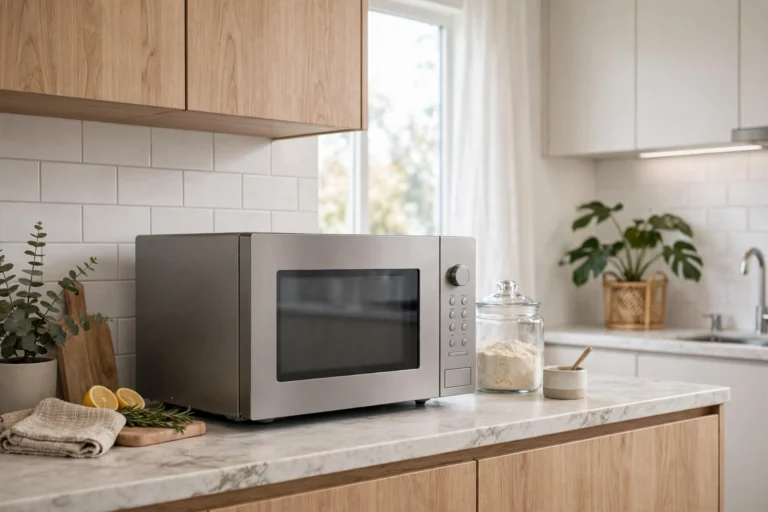
It is worth knowing that the console checks for updates and checks that your games are genuine, and it does all of this in the background while you play. Like a microwave oven, which also has a small computer inside it quietly following a set of instructions, a console is full of small programs doing quiet jobs you never notice, so that the one job you do notice — the game — runs smoothly.
Console vs Computer: Which One Is Better?
People love to argue about this, and the honest answer is that it depends on what you want. A console and a computer are cousins, not enemies, and each one is better at different things.
A console is better if you want things to be simple. You buy the box, you plug it in, you buy a game, and you play. The games are made for your exact machine, so they look good and run smoothly without any fiddling. A console is usually cheaper than a powerful gaming computer, it sits neatly under the TV, and it is made for the sofa, for friends and family playing together in the same room.
A computer is better if you want to do many things with one machine. The same computer that plays games can also do homework, edit videos, and write stories. A powerful computer can be upgraded, too: if a part gets old, you can take it out and put in a better one, like changing the engine in a car. A console cannot be upgraded in that way. When a new, more powerful console comes out, you have to buy the whole new box.
A computer can also play games that never come to consoles. But it costs more, it needs more care, and it asks you to make choices: which parts, which settings, which screen. For some people, those choices are part of the fun. For others, they are a chore.
The truth is that millions of people happily own both, and many people own neither and play games on a phone instead. The machine matters less than the game, and the game matters less than the fun you have playing it. A console is a wonderful choice for one simple reason: it was built to get out of the way and let you play.
The Quiet Machine Under the TV
Think back to Mia and her jump over the river. A button was pressed, a message flew to the box under the TV, a brain worked out where the character would land, an artist drew the picture, and the TV showed it — all in less time than it takes to blink. Then it happened again, and again, dozens of times a second, until Mia caught her coin.
That is what a games console is. Not magic, and not a mystery, but a small, focused computer doing one job, over and over, very fast. The controller listens to you. The CPU thinks. The GPU draws. The memory holds what matters right now, and the storage remembers everything else.
The next time you sit down to play, take a second to notice the hum of the fan, the glow of the TV, and the controller warm in your hands. Underneath all of it, a loop is running — press, think, draw, show — and it is running just for you.
Frequently Asked Questions
How does a games console work in simple words?
A games console is a small computer built only for playing games. When you press a button on the controller, the console’s CPU works out what happens next, the GPU draws a new picture, and the TV shows it. This loop repeats 30 to 60 times every second, so the game looks smooth and alive.
What is the difference between the CPU and the GPU?
The CPU is the brain of the console. It runs the rules of the game, keeps score, and decides what happens when you press a button. The GPU is the artist. It draws the picture on the TV, working on millions of tiny dots of colour at the same time. In a modern console, both sit together on one chip so they can talk to each other very fast.
Why are all consoles of the same kind identical?
Every console of the same kind has the same chip, memory, and storage inside. That means game makers know exactly what machine their game will run on, so they can tune the game to fit it perfectly. A computer is different, because computers come in thousands of shapes and speeds, so a game has to work on all of them at once.
How does a controller talk to the console?
When you press a button or move a stick, the controller turns that movement into a tiny electrical message and sends it to the console through a cable or through the air. The controller also talks back: tiny motors inside it can shake in your hands, and some triggers can push back, so you can feel bumps, crashes, and the pull of a bowstring.
Do I need the disc in the console to play a game?
If you bought the game on a disc, yes, the disc usually needs to stay in the console while you play, because it proves you own the game. The console copies most of the game onto its storage the first time you play, so it does not have to read the disc constantly. If you bought the game as a download, there is no disc at all, and you can play whenever you like.
Is a games console better than a computer for gaming?
It depends on what you want. A console is simpler, cheaper, and made for playing on the sofa with family and friends, and every game is tuned for your exact machine. A computer can do many other jobs, can be upgraded part by part, and can play games that never come to consoles. Many people happily use both.
More from Zorium Daily
- How Does a Smartwatch Know Your Heart Rate?
- How Does a Drone Fly?
- How Do Noise-Cancelling Earbuds Work?
- How Does a Remote Control Work?
The next time you press a button and your character leaps across a gap, you will know what happened in that tiny moment. Your hands spoke, the console thought, the artist drew, and the TV showed you a brand new picture — and then it did it all again, dozens of times a second, just so you could play.