Why Does Your Phone Battery Drain So Fast?
SUMMARY OF THIS ARTICLE
- Your phone battery drains fast because the screen, apps, and signal use a lot of power.
- A bright screen is often the biggest cause of fast battery drain.
- Apps can keep working in the back, even when you are not using them.
- Weak signal, heat, cold, and an old battery can also make power go down fast.
- Small changes, like lower light and fewer back apps, can help your battery last much longer.
Why Does Your Phone Battery Drain So Fast?
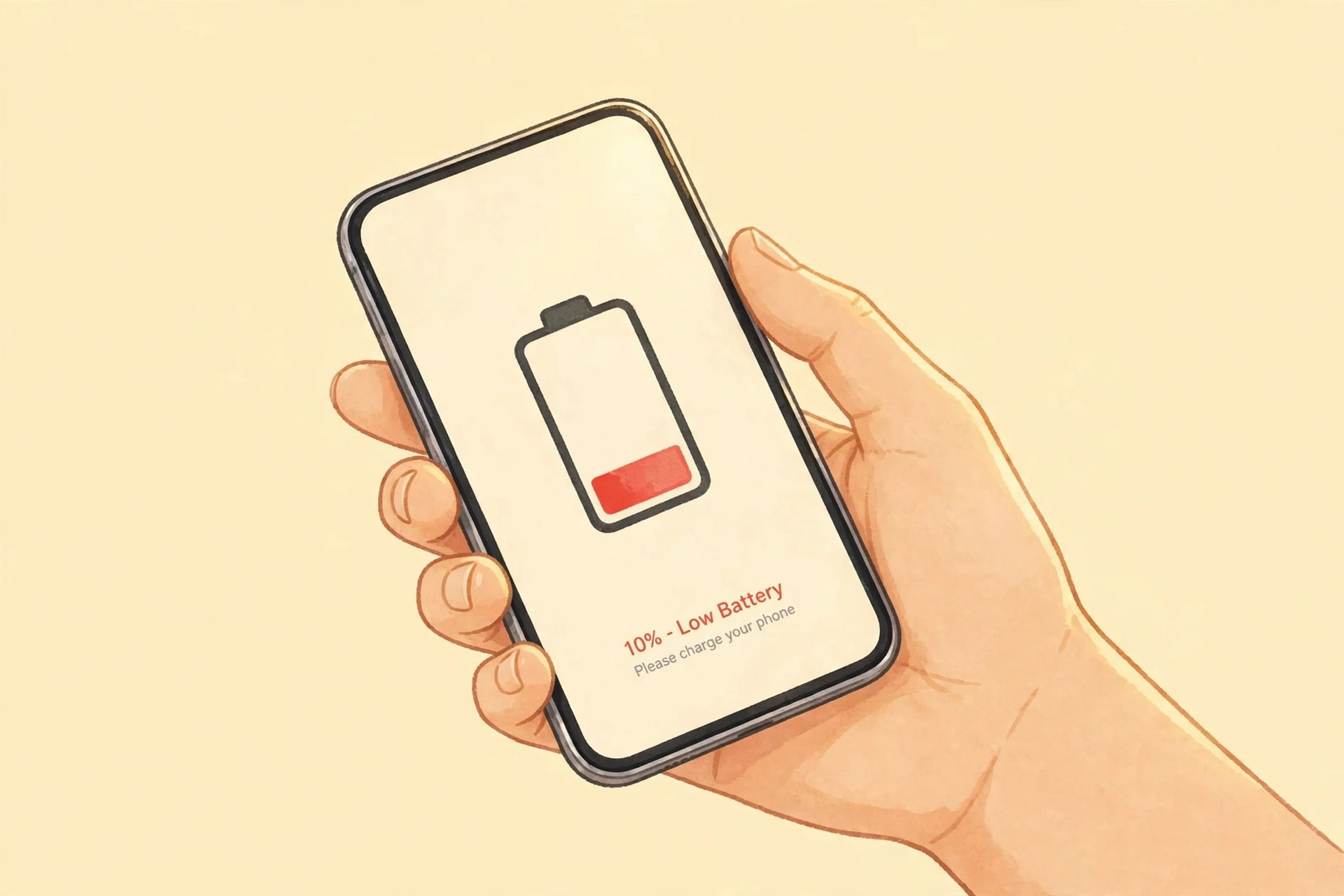
You charge your phone in the morning. It shows 100%. By lunch, it is at 40%. By night, it is almost dead. This can feel very bad. You may think your phone is broken. In most cases, it is not broken. It is just doing a lot of work.
A phone is a small computer. It has a light screen. It plays videos. It plays games. It talks to the net. It checks for new notes. It finds where you are. All this work needs power. Think of the battery as a small tank of power. When the phone works hard, the tank gets empty fast.
This post is about power going down fast during the day. It is not about heat while charging. Heat while charging is a different problem. You can read about it in our post on phones getting hot. Here, we look at the main causes of fast drain, one by one. We use simple words. We also share easy steps you can try today.
Many people blame the battery at once. But often, the phone settings are the real cause. A very bright screen, many apps, and a weak signal can drain power fast. The good news is that you can fix most of these things. You do not need a new phone. You do not need to be a tech expert. You just need to know what uses the most power, and what to change first.
The Screen Uses the Most Power
The screen is the biggest power user in most phones. It is a big light. It stays on for hours each day. The brighter it is, the more power it uses. If your screen is at full light all day, your battery will go down fast. This is true even if you are just reading or looking at photos.
Think of the screen like a lamp. A small dim lamp uses little power. A big bright lamp uses a lot of power. Your phone screen works the same way. Outside in the sun, the phone may turn its light up on its own. That helps you see. But it also uses more power. Inside, you may not need that much light at all.
Screen time also matters. If your screen stays on for five minutes after you stop touching it, that is five minutes of power used for no reason. Many phones let you set a short screen time. Thirty seconds or one minute is often enough. Your screen will turn off fast when you are done. That saves a lot of power over a full day.
Videos and games make the screen work even harder. A video has moving light and sound. A game has fast moving pictures. Both need a lot of power. That is why a battery can drop fast during a long video or a long game. It does not mean your phone is bad. It means the work is hard.
What can you do? Turn on auto light, so the phone picks a fair light level for you. Or turn the light down by hand when you are inside. Set a short screen time. Use dark mode if your phone has it. Dark mode makes many parts of the screen dark. Dark parts use less power on many phones. These small steps can add hours to your day. For more simple guides, visit our Technology hub.
Apps That Keep Working in the Back
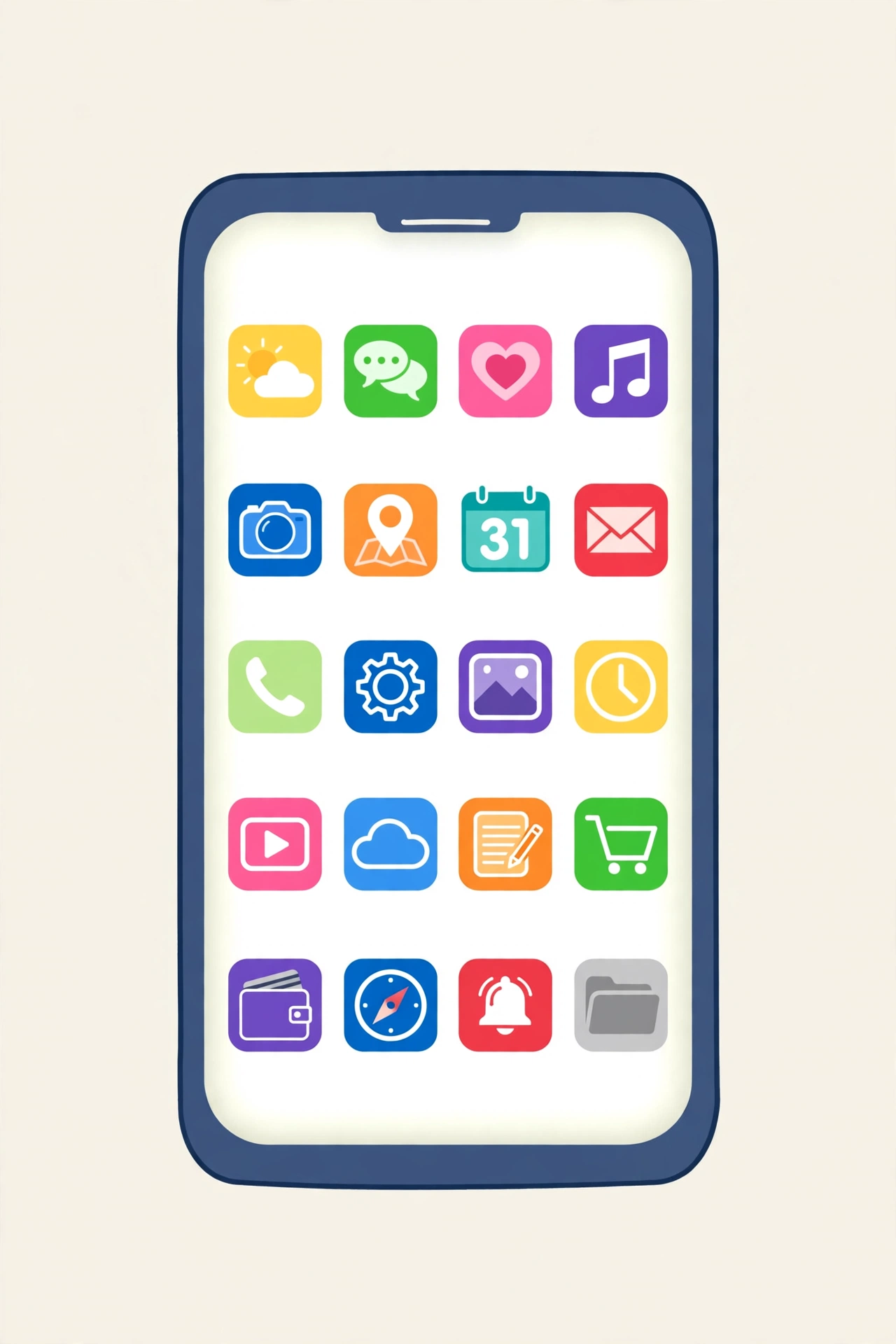
You close an app. You think it is off. But many apps keep working in the back. They check for new notes. They get new posts. They track where you are. They play music in the back. All this quiet work uses power.
Social apps are a common cause. They show new photos and videos all day. They send you notes. They load new posts even when you are not looking. Video apps are even heavier. They load big files. Chat apps check for new notes again and again. One app alone may not use much power. But ten or twenty apps together can use a lot.
Games can also use power in the back. Some games send notes. Some games load new parts. If you do not play a game each day, close it fully. Or take it off your phone. The same is true for apps you never use. If an app sits on your phone but you never open it, it may still check for news in the back. Taking it off can help.
How can you find the apps that use the most power? Go to your phone settings. Look for battery use. Your phone will show a list. It will show which apps used the most power in the last day. That list is very helpful. It tells you the truth. You may be shocked to see one app at the top. Once you know, you can act. You can limit that app. You can turn off its back work. You can use it less. Or you can take it off.
A good rule is simple. If you do not need an app to work in the back, turn that off. Let your mail check for new notes once an hour, not each minute. Turn off auto play for videos in social apps. Turn off notes for apps that do not matter. Each small change adds up. Your phone will still work well. It will just waste less power. To learn how files work on your phone, read our post on what happens when you delete a file.
Weak Signal and the Net
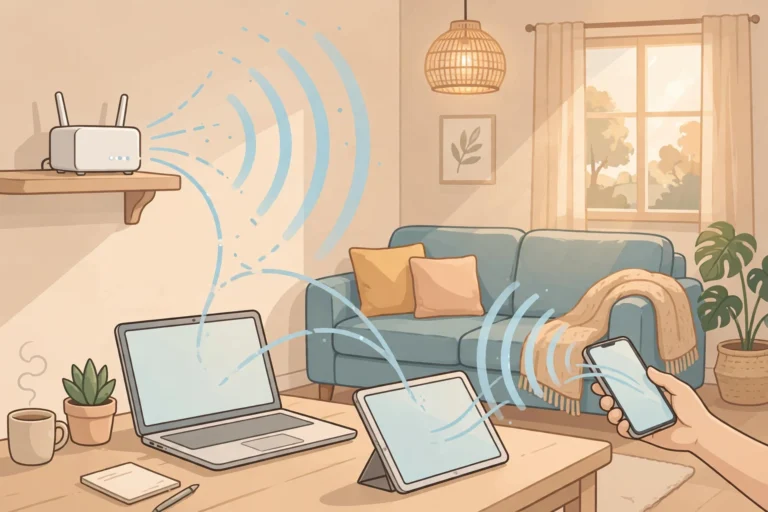
Your phone talks to towers all the time. These towers link your phone to calls and the net. When the signal is strong, this talk is easy. When the signal is weak, the phone must shout louder. It must try again and again. That uses a lot of power.
You may see this when you travel. On a train, in a lift, or in a far place, the signal may be weak. Your battery may drop fast, even if you do not use the phone much. The phone is working hard just to stay linked. The same can happen in a building with thick walls. The phone keeps looking for a tower. That search uses power.
Wi-Fi can help when it is strong and safe. But a weak Wi-Fi link can also drain power. The phone keeps trying to stay linked. If you are in a place with very weak Wi-Fi, it may be better to turn Wi-Fi off for a while. Use mobile data if it is stronger. Or turn on flight mode if you do not need calls for a short time. Flight mode stops the phone from searching. That can save a lot of power.
Hotspot use is another big power user. When you share your net with a laptop, your phone works like a small tower. It sends and gets data for two devices. That drains power very fast. If you use a hotspot a lot, keep your phone near a charger. Or use it for short times only.
In short, a weak link is a hidden power thief. You may not see it. But your battery feels it. When you can, stay where the signal is strong. Turn off links you do not need. Turn on flight mode when you do not need to be reached. Cold days can also hurt power in a different way, as we explain in our post on phones in the cold.
Heat, Cold, and Your Battery
Heat is bad for a battery. Cold is also bad, but in a different way. A phone that gets hot will lose power faster. A phone that gets very cold may shut down, even if power is left. Both are signs that the battery is under stress.
Heat can come from the sun. Do not leave your phone on a car seat in the sun. Do not leave it near a heater. Heat can also come from hard work. A long game or a long video call can make the phone warm. When the phone is warm, the battery works less well. It may drain faster. It may also age faster over time.
Cold can make the battery seem weak for a short time. The power is still there, but the cold stops it from flowing well. That is why a phone may turn off in very cold air, then turn back on when it gets warm. Keep your phone in a warm pocket in cold air. Do not leave it outside in snow or ice.
Charging also makes some heat. That is normal in small amounts. But if your phone gets very hot while charging, that is a warning sign. Do not cover it with a thick cloth while it charges. Do not charge it under a pillow. Let air flow around it. Use a good charger made for your phone. A cheap, bad charger can make more heat and can harm the battery. For more on this, see our guide on why phones get hot.
An Old Battery Holds Less Power
All batteries get old. This is true for every phone. After many charges, a battery can hold less power than when it was new. This is called battery health. A phone with 100% health is like new. A phone with 80% health can hold much less. That means it will drain faster, even if you use it the same way.
How fast does this happen? It depends on use and heat. If you charge your phone twice a day, it will age faster. If your phone often gets hot, it will age faster. If you always drain it to zero, it will age faster. Most phones can last two or three years before the drop feels big. After that, you may need to charge more often.
You can check battery health in settings. On many phones, you will see a number. If it is above 85%, the battery is still in good shape. If it is below 80%, the battery is weak. A weak battery is a common cause of fast drain. In that case, settings alone may not fix it. A new battery can help a lot. It is often much cheaper than a new phone.
Some signs point to an old battery. Your phone may drop from 30% to 5% in a few minutes. It may turn off at 20% or 10%. It may charge very fast, then drain very fast. These jumps are not normal for a healthy battery. They mean the battery can no longer give steady power. If you see these signs, visit a trusted repair shop. Ask them to check the battery. Do not try to open the phone on your own. Phone batteries need safe care.
Settings That Drain Power Without You Knowing
Many phone settings use power in quiet ways. They are helpful, but they can add up. Once you know them, you can pick what you really need.
First, look at location. Many apps ask for your place all the time. You can change this to “only while using the app.” That saves power. You can also turn off location for apps that do not need it. A photo app may need it to tag photos. A game may not need it at all.
Second, look at auto updates. Your phone may update apps on its own. It may back up photos on its own. It may sync mail, contacts, and files on its own. These tasks are good. But they use power and data. You can set updates to happen only on Wi-Fi. You can set photo back up to happen only when charging. That way, these tasks do not drain power when you are out. To learn where your photos go when you back them up, read our post on where photos go.
Third, look at notes and vibrations. Each note lights up the screen. Each buzz uses the small motor in the phone. One note is small. One hundred notes a day is not small. Turn off notes for apps that do not matter. Keep notes only for people and apps you care about. Your phone will be quieter. Your battery will last longer. Your mind will also feel calmer.
Fifth, look at Bluetooth and Wi-Fi search. If Bluetooth is on all day, your phone keeps looking for devices. If Wi-Fi search is on, it keeps looking for nets. Turn them off when you do not need them. Turn them on only when you want to link a device or join a net. This is a quick win.
None of these settings alone will fix a bad battery. Together, they can make a big change. Go through them once. Pick what you need. Turn off the rest. Your phone will still do what you love. It will just waste less.
Daily Habits That Make Drain Worse
How you use your phone each day matters as much as settings. Long video calls use a lot of power. The screen is on. The camera is on. The mic is on. The net is busy. All at once. A one-hour video call can use more power than three hours of reading. That is normal. If you have many video calls, keep a charger near you.
Streaming videos is also heavy. A video needs light, sound, and data. A high-quality video needs even more. If you watch in the highest quality all day, your battery will drop fast. A lower quality still looks good on a small screen. It uses less power and less data. Try it when you are out and you need to save power.
Games are the heaviest of all. A game uses the screen, sound, touch, and net. It also uses the phone brain at full speed. Some games make the phone warm in minutes. That warmth is a sign of high power use. Play games in shorter bursts. Lower the game graphics if you can. Close other apps before you play. These steps help the phone stay cool and last longer.
One more habit matters: how often you pick up your phone. Each time you wake the screen, you use power. If you check your phone 200 times a day, those short wakes add up. Try to check in longer blocks, not each minute. Put the phone face down during work or meals. These small habits can add an hour or more to your battery life. Smart tools can also learn and use power, as we explain in our post on can AI dream.
Myths About Phone Batteries
Many old ideas about batteries are no longer true. They can even harm new phones. Let us clear up the most common myths in simple words.
Myth one: you must drain your phone to zero before you charge it. This was true for very old batteries. It is not true now. New phone batteries like small, frequent charges. You can charge at 40%. You can charge at 60%. That is fine. Draining to zero each time can actually harm the battery.
Myth two: leaving your phone plugged in overnight will ruin it. New phones stop charging when they reach full power. They do not keep pushing power in. Many phones also use smart charging at night. They wait to finish charging just before you wake up. Overnight charging is mostly safe now. But heat is still bad. Do not charge under a pillow or in a hot room.
Myth three: closing all apps saves a lot of power. This is only partly true. If an app is truly stuck or using power in the back, closing it helps. But closing and reopening apps again and again can use more power. The phone must load the app from scratch each time. It is better to limit back work for bad apps, not to close every app each hour.
Myth five: battery saver mode will harm your phone. It will not. Battery saver mode turns down light, limits back work, and slows some tasks. It is made to help you. Use it when your battery is low. Use it when you are out and you need the phone to last. It is a good tool, not a danger.
A Simple Checklist to Make Your Battery Last Longer
Try these steps in order. Start with the ones that help the most. You do not need to do them all at once.
One, turn down screen light. Use auto light or a lower level. Set a short screen time, like 30 seconds or one minute. Turn on dark mode if you like it.
Two, check battery use in settings. Find the top three apps. Limit their back work. Turn off notes you do not need. Take off apps you never use.
Three, fix location and sync. Let apps know your place only while you use them. Set photo back up and app updates to happen on Wi-Fi and while charging.
Four, turn off links you do not need. Turn off Bluetooth, Wi-Fi, and location search when you are not using them. Turn on flight mode when you do not need calls for a short time.
Five, be smart with videos and games. Use lower video quality when you are out. Play games in shorter bursts. Close other apps before a long game or video call.
Six, keep your phone cool. Do not leave it in the sun. Do not charge it under a pillow. Do not play heavy games while it charges. If it gets hot, let it cool down.
Seven, charge in a kind way. Try to keep it between 20% and 80% most days. Do not drain it to zero each day. Use a good charger. Turn on smart charging at night if your phone has it.
Eight, use battery saver mode when you need it. It is safe. It can add hours when your battery is low.
Nine, check battery health once in a while. If health is below 80%, or if power jumps down fast, ask a trusted shop to check it. A new battery may be the real fix.
Ten, restart your phone once a week. A restart can close stuck apps. It can clear small errors. It takes one minute. It can help power use feel normal again.
Frequently Asked Questions
Why does my battery drain fast even when I am not using my phone?
Because apps can work in the back. They check for notes, posts, and location. A weak signal also makes the phone work hard to stay linked. Check battery use in settings to see which app is on top. Limit its back work. Turn off links you do not need. That often fixes the quiet drain.
Is it bad to charge my phone to 100% each day?
It is not very bad, but it is not the best for long life. A battery lives longer when it stays between 20% and 80% most days. Charging to 100% is fine when you need a full day out. Smart charging at night can help. It slows the last part of charging. Do not worry if you charge to 100% sometimes. Worry more about heat and draining to zero each day.
Why does my phone die faster in winter?
Cold air makes it hard for power to flow from the battery. The phone may show a low number, or it may turn off, even if some power is left. This is often short-term. When the phone warms up, the power may come back. Keep your phone in a warm pocket in cold air. Do not leave it outside. Learn more in our post on phones in cold weather.
Should I close all my apps to save battery?
Not all of them, and not all the time. Closing a bad app that uses power in the back can help. But closing and reopening apps again and again can use more power. The phone must load them from scratch. It is better to limit back work for the worst apps. Leave light apps alone. Check the battery list first, then act on the top apps only.
It can, when the 5G signal is weak. The phone works hard to hold a weak, fast link. When the signal is strong, the difference is small. If you are in a weak 5G area and you need to save power, you can switch to a slower link for a while. You will still get notes and chat. You will just use less power to stay linked.
When should I replace my phone battery?
Replace it when health is below 80%, or when power jumps down fast, or when the phone turns off at 20% or higher. A new battery is often much cheaper than a new phone. Visit a trusted shop. Ask for a good battery made for your phone model. After a new battery, most phones feel fresh again and last much longer through the day.